
10 Lead Enrichment Tools Compared for Sales Teams in 2026
Compare the best lead enrichment tools by data sources, CRM integrations, automation, and Instagram profile enrichment for sales workflows in 2026.
Your sales team finds a promising local business on Instagram. The account posts regularly, its audience looks relevant, and the bio links to a website. Then someone opens the CRM and realizes the entire prospect record consists of a username and a note saying “looks like a fit.”
Most lead enrichment tools expect something else: a work email, a company domain, or a person's name and employer. Feed them a social handle without resolving the underlying identity, and you risk getting no match or, worse, a convincing match to the wrong person.
The starting identifier matters more than the size of the vendor's database. A public Instagram profile can support qualification, but it doesn't automatically establish a business identity, a decision-maker, or a verified outreach address. Those are separate enrichment steps.
The tools below differ in their data sources, accepted identifiers, CRM integrations, automation options, and charging models. Some retrieve public social information; others match known people and companies against B2B records. Waterfall platforms connect those steps, provided someone owns the matching rules.
If your immediate problem is discovering an address after identifying the prospect, the CleanMyList email finding playbook is a useful companion. First, though, choose a tool that can work with the information you have.
Table of Contents
- 1. Instagram API
- 2. Apollo
- 3. Clay
- 4. People Data Labs (PDL)
- 5. Lusha
- 6. HubSpot Data Enrichment
- 7. FullEnrich
- 8. Dropcontact
- 9. ZoomInfo
- 10. Enrich Layer
- How the 10 Lead Enrichment Tools Differ by Data Source, Instagram Fit, and Automation
- Match the Tool to the Identifier You Actually Have
1. Instagram API
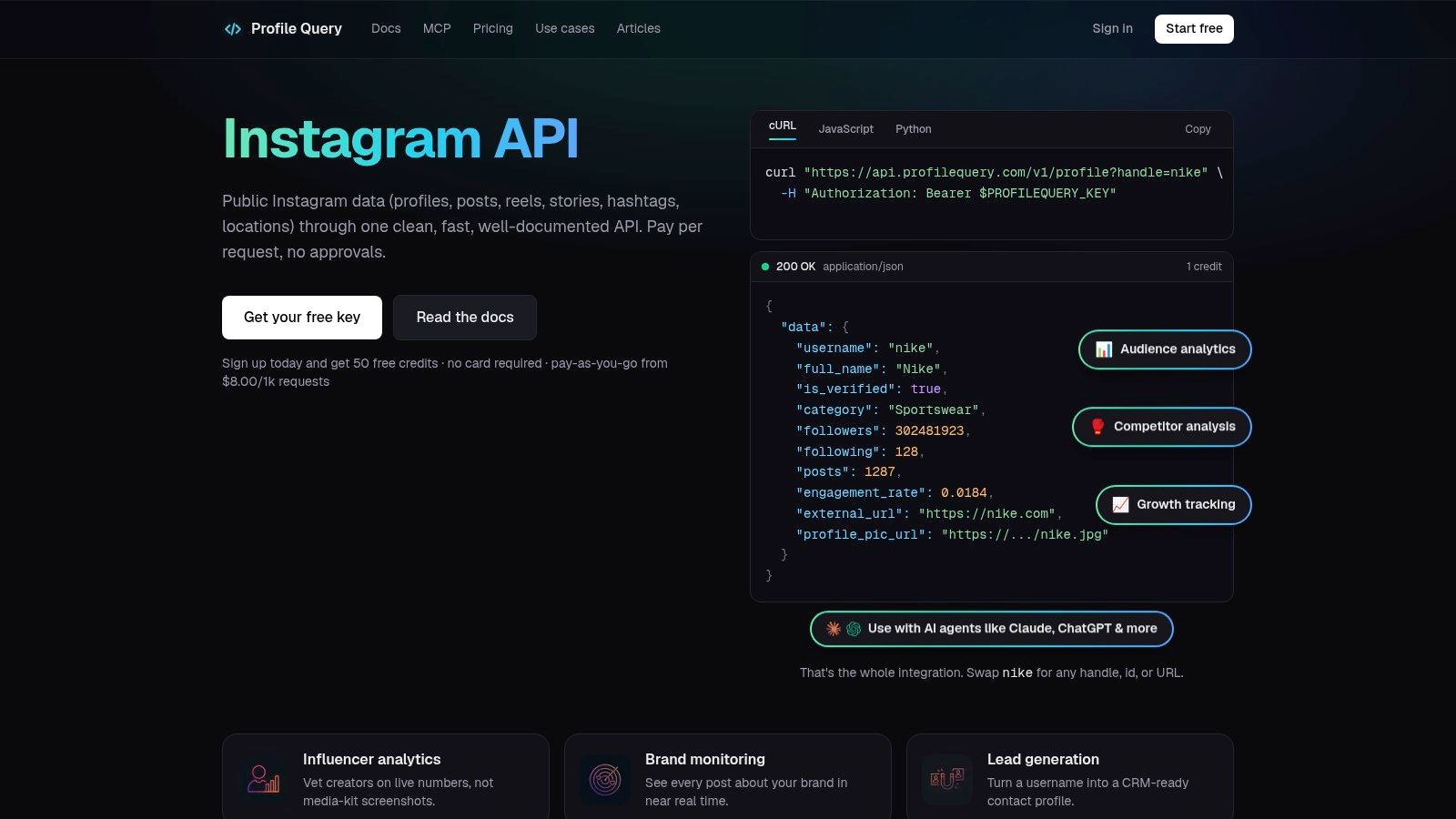
Best starting identifier: an Instagram username, numeric account identifier, or profile URL. Instagram API fits the stage before conventional B2B enrichment, when you need to understand an account rather than reveal a known employee's work email.
Our REST API returns public profile and content data as structured JSON. Profile fields include the account's name, category, external URL, verification status, and audience counts. Insight endpoints add engagement analysis, follower-quality estimates, niche classification, AI lead-fit scoring, and a profile summary written as a sales or CRM brief.
That combination supports a practical sequence: retrieve the profile, assess relevance, and summarize qualified accounts for review. It doesn't establish that an account owner has purchasing authority, and an AI fit score isn't proof of buying intent.
Integration and credit trade-offs
Our API uses an API key without Instagram OAuth, app review, or business verification. Predictable response envelopes, typed errors, request metadata, an OpenAPI specification, and MCP tools support application and agent workflows. The guide to choosing an API for social media provides context for that integration decision.
- Useful breadth: Profiles, posts, reels, comments, discovery, and analytical endpoints use the same access model.
- Controlled spending: Prepaid billing avoids a recurring subscription. The Growth package costs $70 one-time for 10,000 credits.
- Important boundary: Only public data is available. Private accounts and information requiring logged-in access aren't substitutes for missing CRM fields.
Deeper analytical endpoints can consume more credits than basic retrieval, and a queried account returning “not found” may still incur a charge. Filter irrelevant candidates before requesting expensive analysis, retain credit metadata, and don't treat every unsuccessful lookup as a free retry.
2. Apollo
Once you have a person's name and employer, or recognizable contact and company information, Apollo becomes a more natural fit. It combines a B2B contact and company database with enrichment and prospecting workflows.
Teams can enrich saved records, upload CSV files, connect CRM records, or make API requests. Salesforce and HubSpot workflows support scheduled or real-time enrichment, while waterfall enrichment can incorporate connected providers. That makes Apollo useful when prospect research and ongoing record maintenance belong in the same operating environment.
Don't use an Instagram display name as sufficient evidence of identity. Resolve the bio link to a business, confirm the person's relationship to that business, and then attempt the B2B match.
Where it works and where to be careful
Apollo's advantage is operational convenience: reps can research prospects while operations teams maintain enrichment workflows. Its limitation is that credit consumption depends on the action and the data returned, so a successful test lookup doesn't establish the economics of a full import.
- Best fit: Teams enriching recognizable B2B contacts and maintaining Salesforce or HubSpot records.
- Cost control: Estimate consumption using the actual fields and actions required by the production workflow.
- Implementation risk: Configure overwrite rules before enabling recurring enrichment, especially for rep-confirmed titles and employers.
Some API calls charge only when qualifying data is returned, but don't generalize that policy across every action. The SignalSpot comparison of sales prospecting platforms is useful when deciding whether to consolidate prospecting and enrichment or keep them separate.
3. Clay
Clay is the orchestration choice. Its accepted starting identifier depends on the provider or workflow you configure, rather than a universal matching capability.
Say a prospect arrives as an Instagram profile URL. A sensible workflow retrieves public profile information, extracts the external website, resolves the company, and only then attempts person or email enrichment. Clay can coordinate multi-step enrichment, external providers, and AI-assisted web research, but each transition still needs an identity check.
That distinction matters. Connecting more providers doesn't make an uncertain match trustworthy; it can append more information to the wrong record.
A waterfall should stop when the required field is verified, not when every available provider has been queried.
Flexibility comes with maintenance
Clay supports provider selection, custom logic, existing provider API keys, and CRM, webhook, or HTTP connections on applicable plans. It's useful when your qualification process doesn't fit a standard contact-enrichment form.
The trade-off is ownership. Someone must maintain conditions, provider order, error handling, and field mappings when inputs or APIs change.
- What works: Branch on available identifiers and skip paid lookups when prerequisite fields are missing.
- What doesn't: Run every provider on every row, then ask an AI step to reconcile contradictory identities.
- What to price: The full workflow, including platform actions, provider usage, research steps, and reruns.
I'd choose Clay when a revenue operations team wants control over enrichment logic and can maintain it. For a straightforward name-and-company lookup, that flexibility may create more work than value.
4. People Data Labs (PDL)
Best for developers matching people and companies inside an application. People Data Labs offers API-oriented person and company enrichment, search products, and batch workflows.
Its Person Enrichment API can work with identifiers including names, emails, phone numbers, location, employment or education history, and social-profile information. However, support for social-profile information shouldn't be read as a guarantee that an arbitrary Instagram handle will resolve. Test the exact identifier format and audience you intend to submit.
PDL's matching controls are particularly relevant when a wrong person match would contaminate downstream systems. Required fields and match strictness let developers reject responses that don't meet the application's requirements.
Treat matching as an explicit decision
A backend pipeline should distinguish a candidate match, an accepted identity, and a CRM-ready record. Those states shouldn't collapse into “the API returned something.”
- Integration options: Person and company APIs, bulk enrichment, and CSV-based batch processing.
- Billing advantage: Enrichment APIs document pay-per-successful-match charging.
- Commercial limitation: Person enrichment has a minimum monthly purchase, and product-specific pricing differs.
A billable match may still fail your internal acceptance rules. Budget against accepted records, not merely the provider's successful responses.
For teams designing the surrounding workflow, the guide to using an API in marketing helps frame where enrichment belongs. PDL suits a development team that wants matching infrastructure; it isn't a replacement for CRM routing rules, outreach permissions, or field-level validation.
5. Lusha
A rep has identified the person and company but still needs a business email or phone number. That's a more suitable starting point for Lusha than an unresolved social username.
Lusha provides B2B contact and company information through its platform, browser extension, integrations, and API. Bulk enrichment, signals, lookalikes, and webhooks depend on plan eligibility. Its appeal is the ability to support individual contact research and more automated enrichment without treating them as entirely separate processes.
Email and phone retrieval have different economics. Phone reveals consume more credits, so a workflow that requests both by default can spend unnecessarily when the team only intends to email.
Make the reveal match the next action
Use the contact channel your sales motion requires. A phone number isn't a useful enrichment outcome if no one will call it, and an email isn't useful merely because it filled an empty field.
- Useful controls: API responses report credit consumption, and unsuccessful lookups don't consume credits.
- Access limitation: Full API access and advanced capabilities depend on the plan.
- Social-first limitation: Test Instagram-derived identities rather than assuming username matching will work.
Keep provider verification labels separate from your own last-checked timestamp. That distinction lets operations teams investigate whether an outreach failure came from an incorrect identity, stale employment information, or an unusable contact channel.
Lusha is a practical shortlist candidate for B2B contact reveals. For creator or local-business discovery, resolve and qualify the social account before making it the next enrichment step.
6. HubSpot Data Enrichment
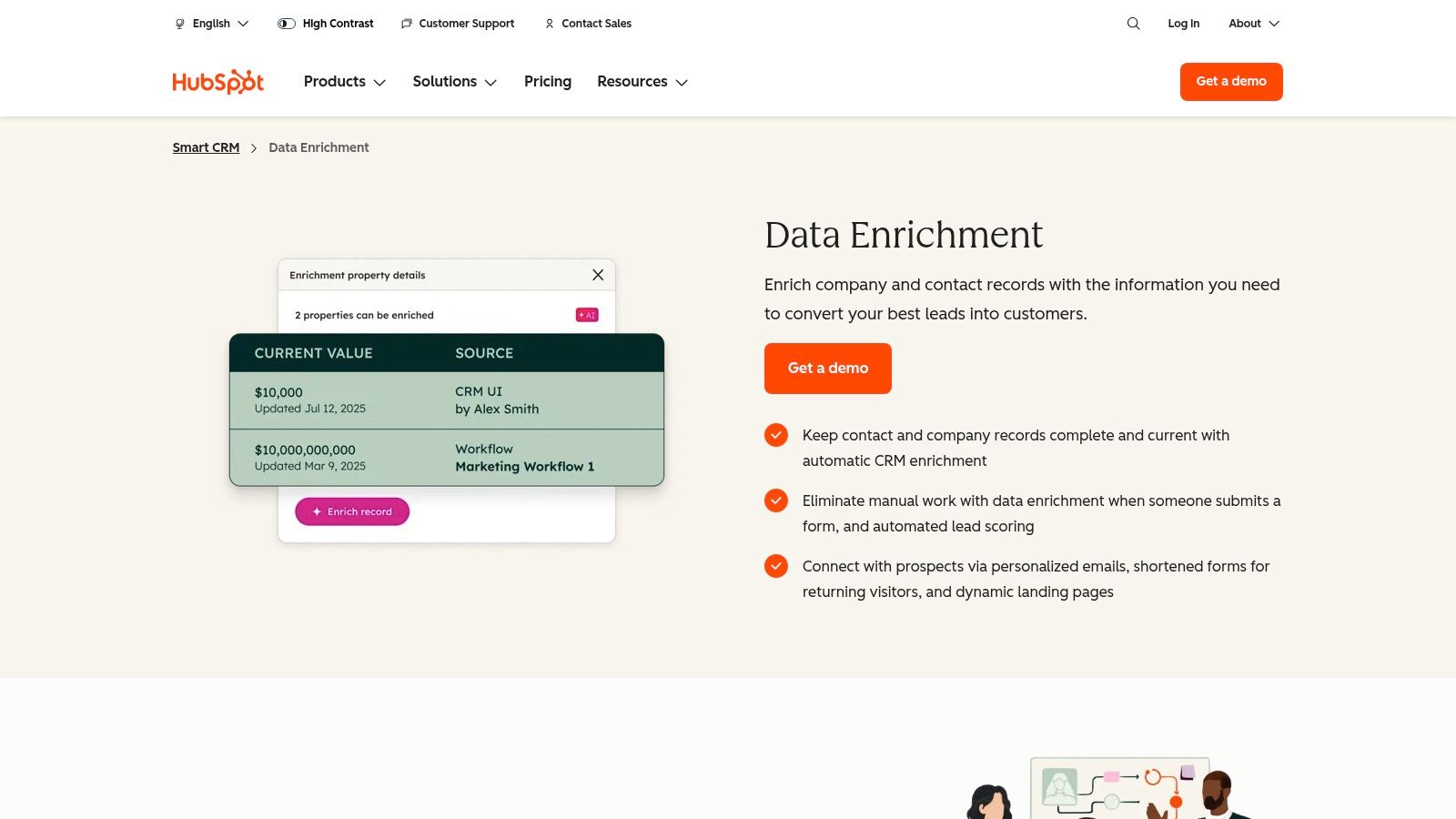
Choose native enrichment when CRM maintenance is the main problem. HubSpot Data Enrichment adds contact and company information inside HubSpot's Smart CRM, reducing the need to maintain a separate enrichment-to-CRM synchronization process.
The natural starting point is an identifiable contact or company record, particularly one with a work email or company domain. A bare Instagram handle still needs an upstream resolution step before you should expect reliable B2B enrichment.
HubSpot also directs new customers seeking Clearbit-style enrichment toward its platform. Treat the decision as part of your CRM architecture, not as a purchase of a standalone lookup service.
Implementation rule: Native enrichment removes a synchronization layer. It doesn't remove the need for overwrite policies, source tracking, or review of ambiguous matches.
The convenience is tied to the CRM
HubSpot's contact, company, data-quality, and intelligence features can support segmentation and routing. Available functions and usage costs depend on subscriptions, feature eligibility, and credits.
- Strong fit: A HubSpot team enriching inbound records and using the resulting fields in existing workflows.
- Weak fit: A developer needing a general-purpose enrichment API for an unrelated external application.
- Budget consideration: Include usage-based features and documented overage mechanisms in the operating cost.
Before enabling automation, decide which properties enrichment may fill, which it may update, and which require human review. Don't let an externally supplied company classification replace an account owner's confirmed segmentation.
The best reason to choose HubSpot here is fewer moving parts inside an existing HubSpot operation, not an expectation that native placement guarantees better matching.
7. FullEnrich
FullEnrich focuses on a narrower job: use waterfall enrichment to find contact emails or phone numbers across multiple sources. It's relevant when you already have identifying information and need a usable contact channel.
That makes it different from a social-profile analysis service. It doesn't replace the work of deciding whether an Instagram account represents a person, a business, an agency, or a fan account. Establish that identity first, then submit supported identifiers for contact discovery.
The attraction is its found-data charging model. No-match lookups aren't charged according to its pricing page, while paid-plan rollover and unlimited-user arrangements can suit shared operations workflows, subject to plan terms.
Judge the waterfall by accepted contacts
A provider can return an address without resolving every operational question. Your pipeline still needs to establish whether the address belongs to the intended prospect and whether your team can appropriately use it.
- Strength: API access and bulk-oriented workflows suit contact-completion jobs.
- Trade-off: Coverage depends on the underlying sources and your target audience.
- Credit risk: Phone numbers consume more credits than work emails.
Don't use the vendor's average find rate as a forecast for a specialized creator list or regional business segment. Run a representative pilot and inspect the failures, including incorrect employers and shared inboxes.
FullEnrich is worth testing when the missing field is a contact channel rather than account context. If your CRM records already contain the correct identities, that focused scope can be an advantage.
8. Dropcontact
Email discovery and CRM cleanup are related, but they aren't the same purchase. Dropcontact addresses both, with file upload, API, and CRM-oriented workflows.
Its focus is B2B email finding and contact-record enrichment rather than broad social-profile intelligence. Think of names and business context as the useful starting material. An Instagram username without a resolved identity remains an upstream problem.
Dropcontact offers email verification, including catch-all verification, alongside enrichment. Higher-plan CRM functionality includes duplicate detection, company matching, and job cleaning, which makes it relevant when enrichment needs to improve record usability rather than just populate addresses.
Separate discovery from database maintenance
The Email Finder subscription and CRM enrichment subscription are separate. A team evaluating email-finding costs shouldn't assume that continuous CRM cleanup is included.
- Good fit: Enriching contact files while improving email quality.
- Operational benefit: Combining contact completion with deduplication and company matching where the selected plan supports them.
- Commercial detail: Displayed prices are in euros, and the pricing page describes pay-on-success charging for found emails.
API and MCP access can support automated workflows on listed plans. Still, stage the output before changing production records, particularly when company matching could alter account associations.
A good pilot includes existing duplicates and inconsistent job titles, not just clean rows. Otherwise, you're testing the easiest email-finding scenario while leaving the CRM hygiene problem untouched.
Dropcontact belongs on the shortlist when email enrichment and record cleanup are both requirements, provided you compare the appropriate subscriptions.
9. ZoomInfo
ZoomInfo is a broader go-to-market platform, not merely a lookup endpoint. It's better aligned with established sales and marketing organizations connecting business contact and company data across CRM and marketing systems.
The practical starting point is recognizable B2B identity: a known company, domain, or contact record that can be matched. If your input is an Instagram handle, you'll still need to resolve the business or person before expecting conventional contact enrichment to help.
ZoomInfo's breadth can be useful when enrichment supports coordinated sales, marketing, and operations programs. It can also be unnecessary scope when a small team only needs to complete contact details.
Buy the workflow you need
Pricing is generally based on the contract rather than published as a simple per-lookup rate. Procurement should specify the products, access methods, data allowances, and add-ons required for the intended workflow.
- Potential advantage: Shared business data and connected workflows across revenue teams.
- Implementation burden: More stakeholders, field mappings, and ownership decisions than a narrow lookup utility.
- Contract concern: A platform agreement doesn't automatically include every enrichment capability or export requirement.
The comparison of data-as-a-service providers provides useful context for separating a data purchase from a broader software commitment.
I'd prioritize ZoomInfo when the organization needs coordinated go-to-market infrastructure. I wouldn't select it solely to solve a social-username matching problem, especially before demonstrating that the target audience appears reliably in its B2B data.
10. Enrich Layer
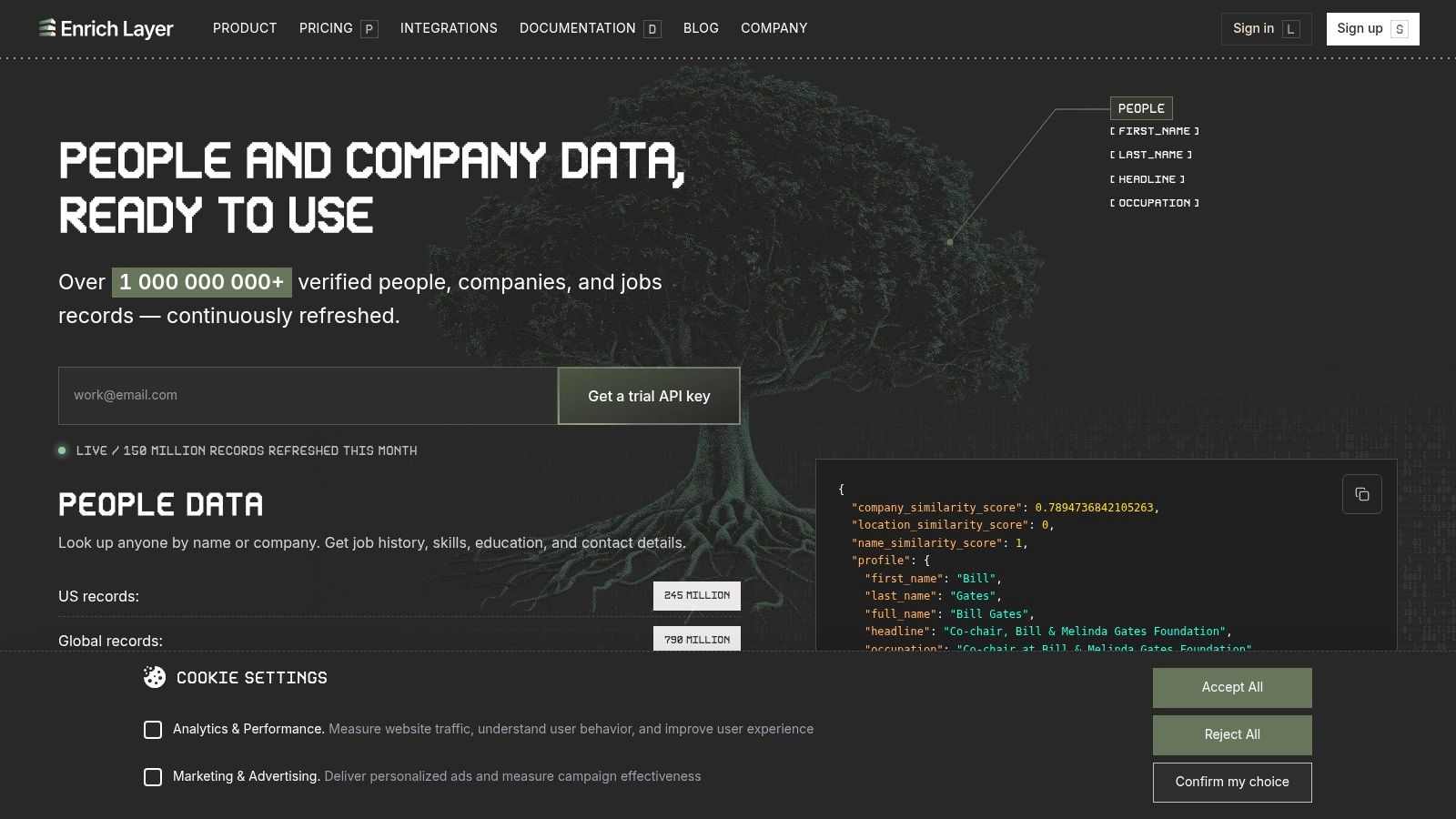
For developers who want enrichment inside their own application, Enrich Layer offers people and company APIs, profile lookup, search, and optional enrichment fields. Its documentation covers bearer-token authentication, structured JSON, credit usage, and machine-readable API resources.
Choose the endpoint before deciding which identifier to collect. Person lookup, company lookup, and search aren't interchangeable, and social-profile support shouldn't be treated as universal Instagram matching. Validate the precise inputs and geographies your application will use.
Optional email, phone, social-link, and profile fields make request design commercially important. Asking for every available attribute can increase cost without improving qualification.
Keep optional fields genuinely optional
Build a minimal retrieval path, then request additional fields only when the prospect passes your qualification rules. Record the endpoint and requested options alongside the returned credit metadata so finance and engineering can reconcile usage.
- Developer strength: Structured responses, OpenAPI resources, and agent-oriented setup guidance.
- Purchasing flexibility: Subscription and pay-as-you-go credit options.
- Trade-off: Subscription plans involve annual commitments, while pay-as-you-go credits cost more per credit.
Some calls and optional fields incur additional credit costs. Compare the expected production request, not just the cheapest advertised operation.
Enrich Layer is a candidate for teams comfortable building their own validation and CRM delivery logic. Its API-oriented design doesn't remove those responsibilities; it gives developers the components to implement them.
How the 10 Lead Enrichment Tools Differ by Data Source, Instagram Fit, and Automation
| Item | Primary Data Source | Instagram Profile Fit | Automation and Integrations | Best For |
|---|---|---|---|---|
| Instagram API (recommended) | Public Instagram profiles, posts, reels, stories, comments, and discovery data | Purpose-built for public Instagram data; private profiles are unavailable | REST API, JSON, MCP server, and code examples | Instagram research, monitoring, vetting, and AI workflows |
| Apollo | B2B contact and company data | Not designed for Instagram profile lookup | API, CSV, and Salesforce or HubSpot enrichment | B2B prospecting and CRM data enrichment |
| Clay | Multiple external enrichment providers | Can combine sources, but Instagram coverage is unspecified | Waterfall workflows, CRM sync, webhooks, and HTTP API | Custom multi-source enrichment pipelines |
| People Data Labs (PDL) | Person, company, and IP data | Can use social-profile information as a matching identifier; Instagram coverage is unspecified | Enrichment and search APIs, bulk endpoints, and CSV uploads | API-based person and company enrichment |
| Lusha | B2B contact and company data | Instagram username matching is not assured | API, bulk enrichment, CRM integrations, and webhooks on eligible plans | B2B contact discovery and sales workflows |
| HubSpot Data Enrichment | Contact and company data within HubSpot | Not designed for Instagram profile lookup | Native Smart CRM enrichment and credit-based features | Enriching and managing records in HubSpot |
| FullEnrich | Contact details from multiple enrichment sources | Not designed for Instagram profile lookup | API and bulk-oriented waterfall enrichment | Finding business emails and phone numbers |
| Dropcontact | B2B contact data, especially email | Not designed for broad social-profile enrichment | API, file uploads, CRM integrations, and MCP access on listed plans | Email discovery and CRM data cleanup |
| ZoomInfo | Business contact, company, and go-to-market data | Not designed for Instagram profile lookup | CRM and marketing-automation connections | Larger teams needing broad go-to-market workflows |
| Enrich Layer | People and company profile data | Social links may be available; Instagram-specific coverage is unspecified | APIs, OpenAPI specification, and agent-oriented setup | Developer-led people and company enrichment |
Match the Tool to the Identifier You Actually Have
Choose lead enrichment tools by input, then judge them by usable output. Work emails and company domains point toward B2B databases, native CRM enrichment, and waterfall providers. Instagram usernames and profile URLs call for public-profile retrieval and qualification before conventional contact discovery.
For social-first prospects, preserve the distinction between account, business, and person. A creator account may link to an agency, while a local business account may be managed by someone who doesn't buy your product. Don't merge those identities because they share a URL.
The quality problem is material: a 2022 benchmark survey of 224 senior B2B sales and marketing leaders found that 59% cited missing or incomplete information and 56% cited dirty, outdated, or duplicate records as major problems, according to AxioBench's sales-intelligence benchmark summary. More returned fields won't help if your matching rules introduce those same problems.
Measure accepted records, not returned records
Run a pilot on a small, representative set of real prospects, including incomplete profiles, ambiguous names, and accounts outside your easiest segment. Keep the starting identifiers unchanged across shortlisted tools so you're comparing the same task.
- Match quality: Did the result identify the intended person or organization?
- Field usability: Are the required fields present, current enough, and supported by provenance?
- CRM compatibility: Do values map cleanly without duplicate records or destructive overwrites?
- Economics: Divide total enrichment spend, including failed attempts and deeper analysis, by accepted records.
- Commercial outcome: Track whether accepted records progress to relevant conversations and qualified opportunities.
Freshness needs an operating policy, not a cleanup project. Apollo's contact-enrichment guidance describes industry estimates of roughly 20%–30% annual B2B contact-data decay. Store source timestamps and refresh records when employment, identity, or outreach failures suggest that a field needs checking.
Keep observable facts separate from inferred qualification. A public profile category is evidence; an AI-generated lead-fit score is an assessment.
Privacy belongs in the pilot too. In Gartner's 2024 survey of sales analytics users, 45% of surveyed organizations identified privacy concerns or regulations as a barrier to successful sales analytics, according to Gartner's published findings. Minimize collected fields, define retention, and preserve a way to correct or suppress inaccurate records.
Use the guide to find a data enrichment vendor to narrow the commercial shortlist. For Instagram-sourced prospects, begin with lead-fit scoring on a small sample, review profile summaries, and spend additional credits only when the account warrants the next enrichment or outreach step.
Instagram API turns public Instagram identifiers into structured profile data, lead-fit assessments, and sales-oriented profile summaries for enrichment workflows. Visit Instagram API to test a small prospect sample and map the useful fields into your CRM before expanding retrieval or analysis.
Pull Instagram data with one API call
Profiles, posts, reels, followers and more. 50 free credits, no credit card.
Get your free key