
Hashtag Tracking Tool Reviews: 10 Picks Compared for 2026
Compare 10 hashtag tracking tools for Instagram and social listening. See how each monitors hashtag usage, related posts, engagement, and campaign results.
You launched a campaign hashtag a week ago. The post count looks healthy, so the team wants to report success. Then someone asks who posted, whether a handful of accounts drove most of the volume, what engagement those posts earned, and which related tags people used instead. The count can't answer any of that.
That's the job of a hashtag tracking tool. The format started when Chris Messina proposed the pound symbol to group Twitter conversations on August 23, 2007, according to the New York Times archive history of Twitter hashtags, and by 2010 about 11% of tweets contained hashtags. Volume made manual checking impractical then, and it still does now.
The ten tools below don't see the same data, and that distinction matters more than feature lists. I sort them by scope throughout.
- Own-account scope: Tags on your own posts, measured against your likes, reach, and saves.
- Public hashtag scope: Public posts carrying a selected tag, whatever account published them.
- Wider mention scope: Hashtag and keyword mentions across social channels and other online sources.
- Structured-data scope: Hashtag results returned as records your own application can store and query.
Pick the scope first. A creator refining captions and a developer feeding a dashboard shouldn't buy the same product, even if both type the same hashtag into a search box.
Table of Contents
- 1. Keyhole
- 2. Brand24
- 3. Sprout Social
- 4. Later
- 5. Metricool Hashtag Tracker
- 6. Mentionlytics
- 7. Cool Tabs
- 8. Flick
- 9. Profile Query Instagram API
- 10. Apify Instagram Hashtag Analytics
- How the 10 hashtag tracking tools differ in data scope, best use, and Instagram constraints
- Matching the Tool to the Question You Need Answered
1. Keyhole
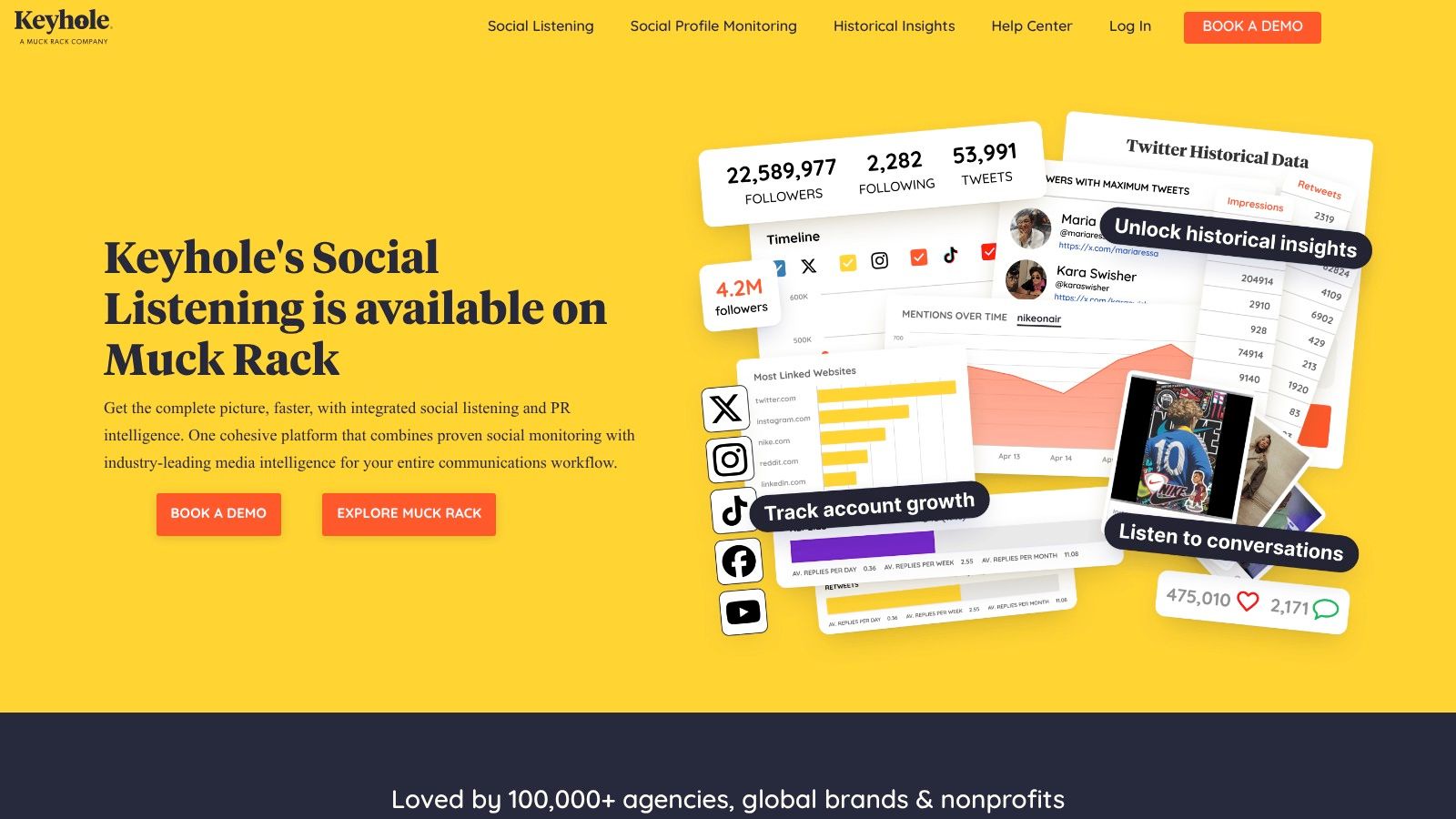
Keyhole sits mainly in public hashtag scope, with dashboards for campaigns across Instagram and other supported channels. You get post volume, engagement, sentiment, timelines, post feeds, and influential users in one place. For a launch report, that combination answers both "how much" and "who mattered."
Advanced trackers support Boolean logic, sub-trackers, and post tags. Set those up before launch, not after. A broad tag pulls in spam and unrelated posts, and cleaning the data retroactively burns reporting hours. I'd write the exclusion terms first: for a footwear launch, that means blocking job postings, reseller spam, and unrelated brand names before the first post lands. Teams building their own collection layer alongside a dashboard often compare this workflow with a social media monitoring API approach.
Where Keyhole Stops
Keyhole can track public Instagram hashtags without authenticating an account, which helps competitor and community checks. Reach and impression data are different. Those may require authenticated or Watchlist accounts. It also doesn't provide general keyword search across all public Instagram posts, so the tracker sees your configured tags rather than the whole network.
Coverage limits need stating in every report. Instagram no longer lets users follow hashtags, and public hashtag data may not include every post that carried the tag, as described in the Financial Marketer analysis of Instagram hashtag changes. Treat Keyhole's totals as a strong sample, then say so in the report. I'd recommend it for campaign teams that need polished analysis, not for anyone expecting a complete census.
2. Brand24
Brand24 works in wider mention scope. It monitors hashtag mentions across Instagram, TikTok, Facebook, X, websites, blogs, and digital media. That breadth suits reputation work. If a campaign tag gets picked up in articles or forums, an Instagram-only view misses it.
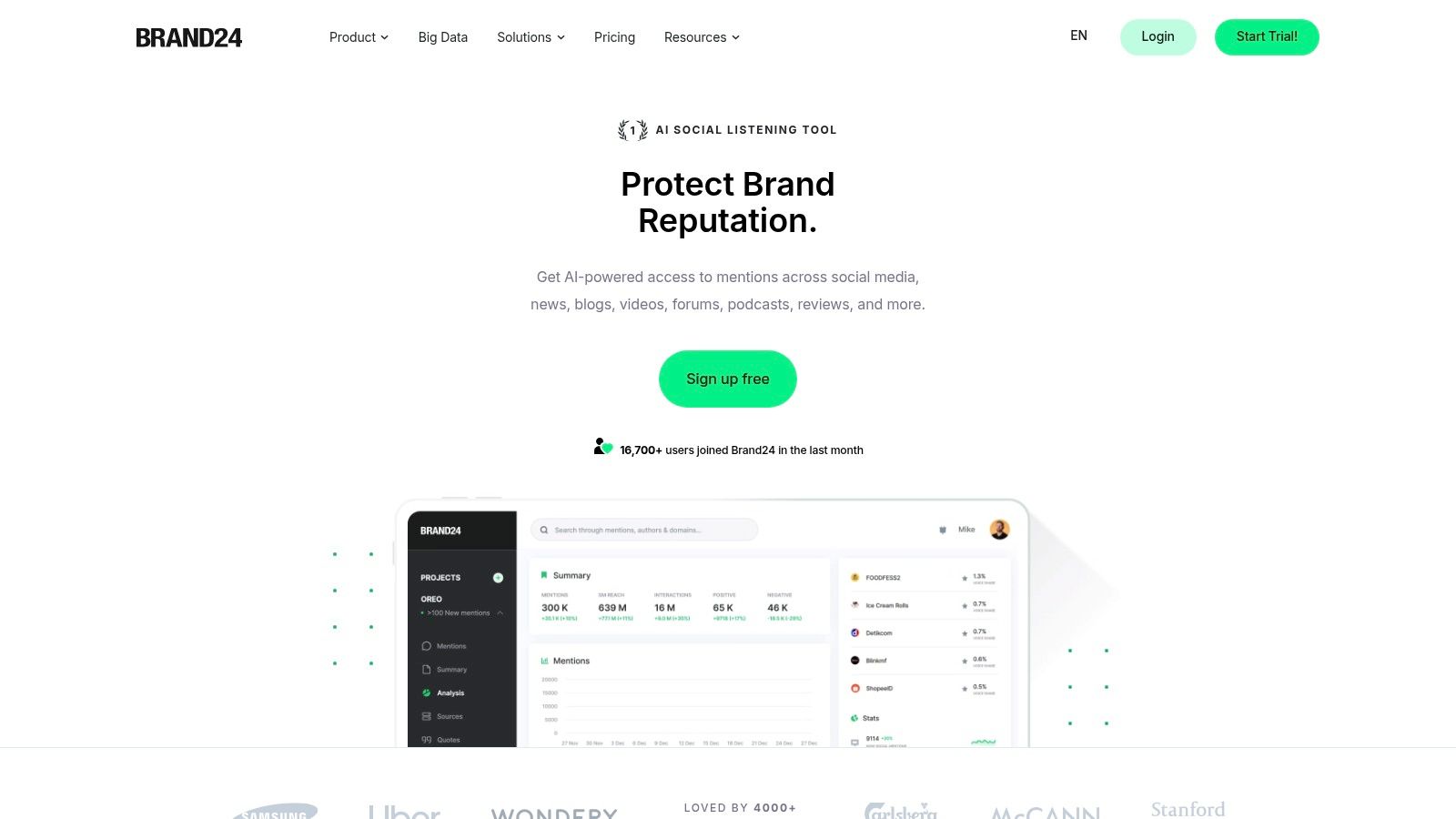
Reports cover mention volume, estimated social reach, and sentiment, with influential profiles, related topics, alerts, and filtering. Treat estimated reach as a directional signal. It's useful for spotting a spike at 9 a.m. and finding the posts behind it. It's not proof that many people saw a post. If your interest is feeding mention data into software instead, a social listening API is the closer comparison.
The wider market explains why these dashboards keep adding sources. The global social media analytics market was valued at USD 13.06 billion in 2024, according to the SkyQuest Technology social media analytics market report. Buyers pay for consolidation, not for another single-network chart.
Practical rule: Use cross-channel listening when the question is "where is this conversation happening." Don't buy it to learn which hashtag on your own Reels earned saves.
Brand24 is a listening platform, not a developer API for structured Instagram records. Its Instagram coverage depends on what the platform makes accessible. For individual creators, it may cost more than a lightweight hashtag research tool justifies.
3. Sprout Social
Sprout Social makes sense when hashtag tracking is one part of a larger social operation. Publishing, inbox management, reporting, and team collaboration live in the same platform, so a listening topic adds campaign conversation on top of work your team already runs there. In scope terms, that's two layers: performance data on your own posts, plus a listening feed that reaches the public hashtag conversation rather than only posts that tag your handle.
Listening queries accept included and excluded terms, which matters for ambiguous tags. A bakery running a campaign tag that also names a music festival can exclude the festival posts at the query level. That saves someone cleaning off-topic messages out of the report every morning.
Check Your Plan Before You Build Queries
Listening is plan dependent or an add-on, so confirm the package you're quoted includes it. Instagram Listening also requires a connected Business Profile. Run these checks before anyone designs a reporting template around Sprout:
- Listening included on your plan, or priced separately as an add-on.
- An Instagram Business Profile connected for each brand you track.
- Collection switched on before the campaign launches.
Sprout caps how many hashtags you can collect per Business Profile within a set window, and it doesn't backfill messages posted before tracking began. Confirm the current limits on Sprout's pricing or help pages before you build a report around them.
I'd shortlist Sprout for organizations combining publishing, customer care, and listening under one roof. Standalone hashtag research doesn't justify that weight. For more detail on the wider platform, see a closer look at Sprout Social.
4. Later
Later stays firmly in own-account scope, and that's a strength if you name it correctly. Its Instagram Hashtag Analytics reports performance for hashtags used in your account's posts. You're comparing your own tags against your own results, not monitoring the public conversation.
- Metrics shown: Likes, comments, reach, saves, and impressions where available.
- Trend context: Industry hashtag trends based on posts published through Later.
- Export: CSV export on supported plans, useful for quarterly content reviews.
That own-account framing fits how many people use tags. In a survey of 1,006 Instagram users, 55.7% said they used hashtags, according to the Semantic Scholar study of Instagram hashtag use. Testing which tags accompany your strongest posts is a reasonable response to that mixed adoption.
You need an Instagram Business or Creator profile, and Hashtag Analytics is limited to Growth and Scale plans. Later doesn't monitor every public post using a hashtag. If fans post with your campaign tag but never tag your handle, Later won't build that report. Use it to refine your caption strategy, then pair it with a public-scope tool for campaign collection.
5. Metricool Hashtag Tracker
Metricool takes a narrower approach. Pick a hashtag, pick a tracking period, and measure what happens inside that window on Instagram and X. For an event or product launch with a clear start and end date, that focus is easier to manage than an always-on listening workspace.
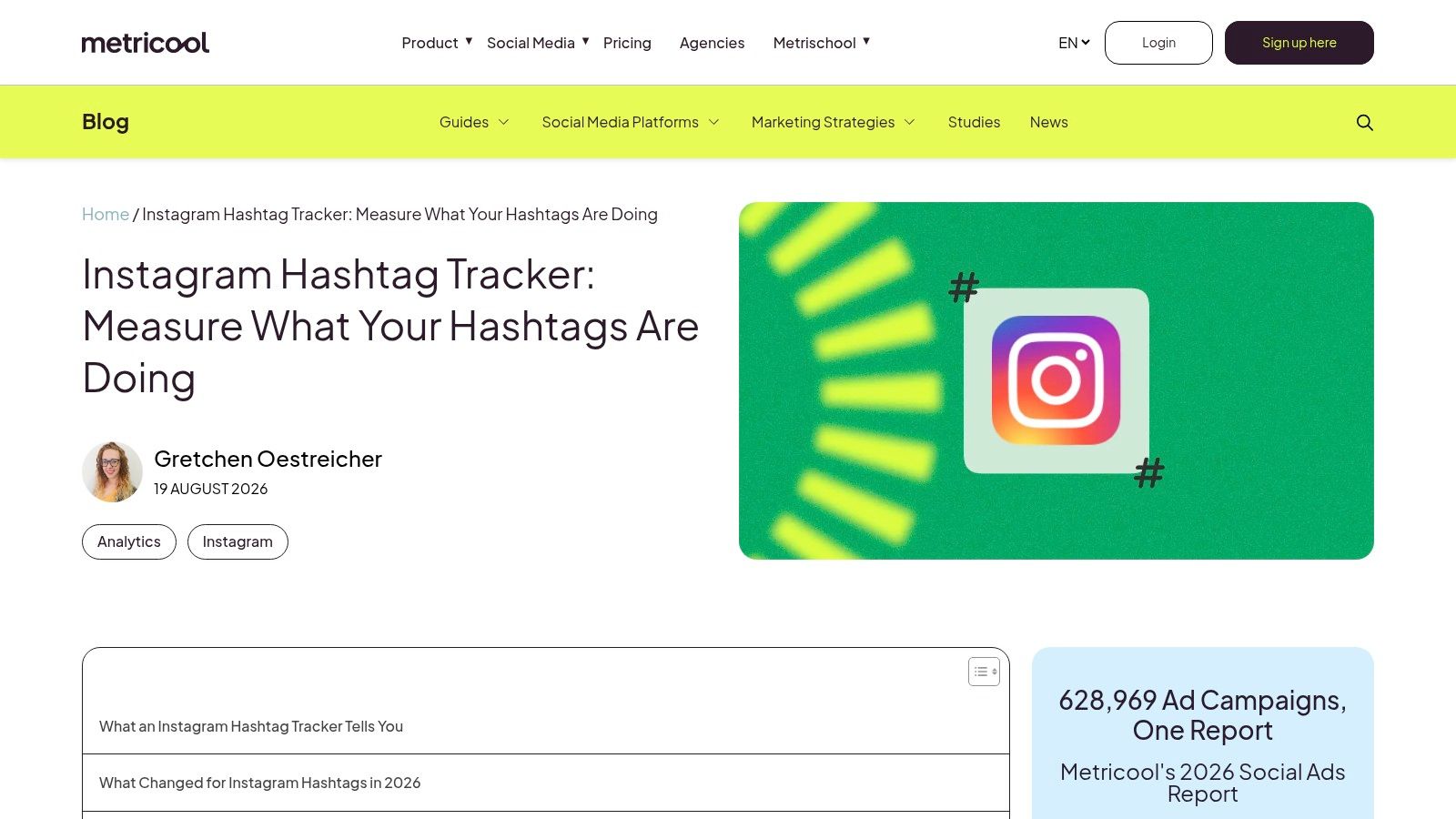
The tracker analyzes post types, activity, interactions, and selected top posts. It also surfaces related hashtags and active users, and Metricool includes performance data for hashtags used on your own account. Related tags are often the most useful output. They show the vocabulary your audience chose, not the vocabulary your campaign brief approved.
Follow Metricool's Instagram Hashtag Tracker closely on timing, though. Instagram tracking starts when the session begins and doesn't provide historical data. It tracks posts and Reels, not Stories. Updates run on a schedule, so minute-by-minute event monitoring isn't its job.
One caution on expectations. A 2025 analysis of 10,000 Instagram posts reported that posts using strategic hashtags received 36% more engagement than comparable posts without hashtags, according to the Cliptics analysis of 10,000 Instagram posts. That describes those posts, not a guarantee for yours. Metricool's value is measuring your campaign window cleanly, not importing someone else's lift.
6. Mentionlytics
Mentionlytics belongs in wider mention scope, with trackers for selected keywords and hashtags across supported sources. Reports cover mentions, sentiment, influential users, top keywords, and top hashtags inside tracked conversations. It's built for teams watching a campaign travel across channels.
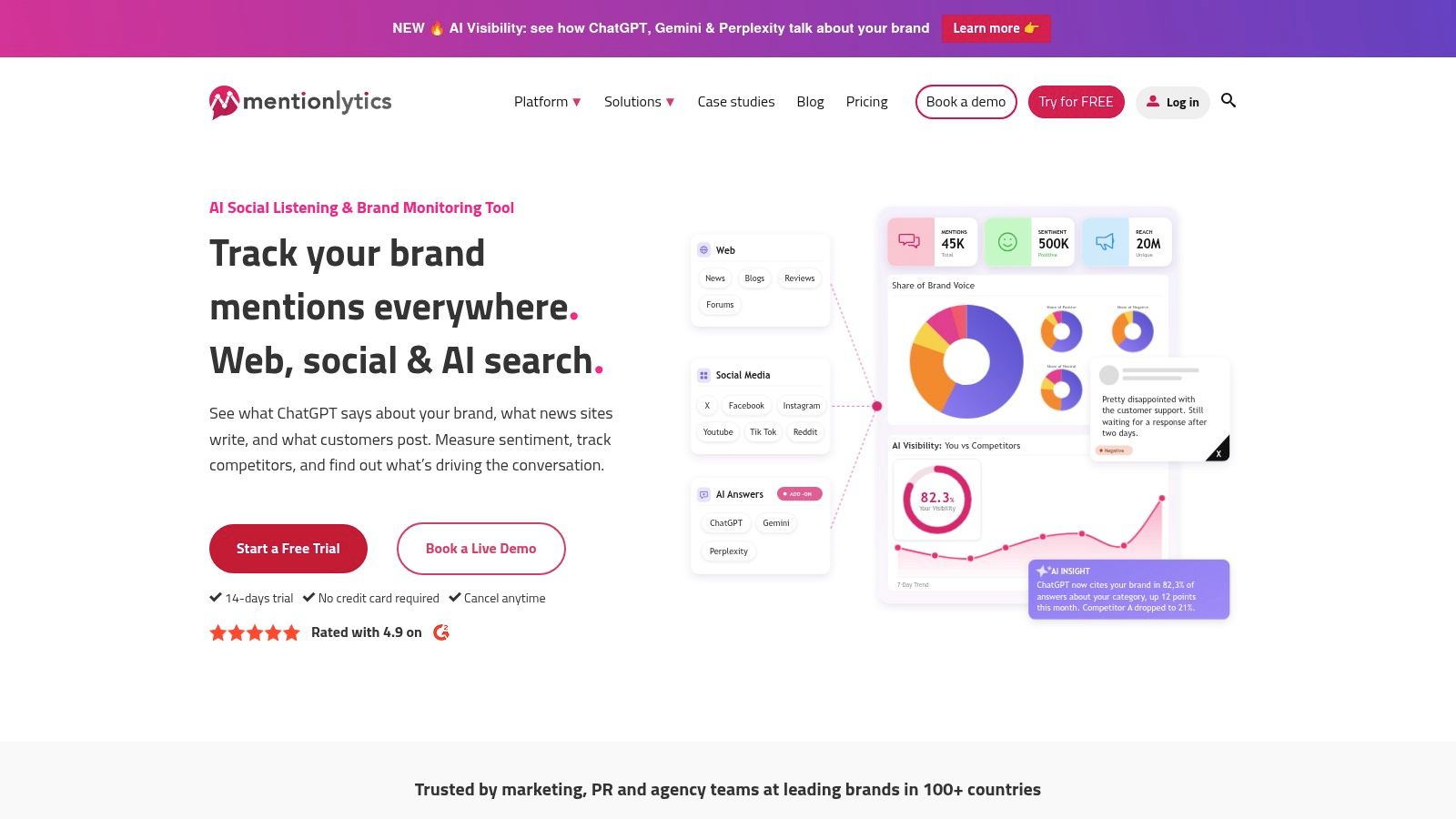
The Instagram limit deserves emphasis. Monitoring there is hashtag based, not general caption-text keyword monitoring. If customers describe your product in captions without using a tag, this won't catch them through Instagram keyword matching. Plan separate profile, mention, or location checks if untagged posts matter.
Who It Suits
Brand and campaign teams get a structured monitoring workflow with alerts and reports, without building anything. That's a fair trade. Historical data is the variable part, since availability and charges vary by source and request. Ask about your exact reporting window during evaluation, using your real campaign dates.
Developers should look elsewhere. Mentionlytics isn't the practical route when an application needs raw structured results on a schedule. Buy it as a finished monitoring workspace, and it'll do that job without developer time. Judge it on report quality and source coverage, not on integration depth it doesn't claim.
7. Cool Tabs
Start a campaign today and need a clean post-level report tomorrow. That's the shape of Cool Tabs. Its Instagram hashtag monitoring reports publication counts, activity by day, and engagement, then ranks individual posts with likes and comments.
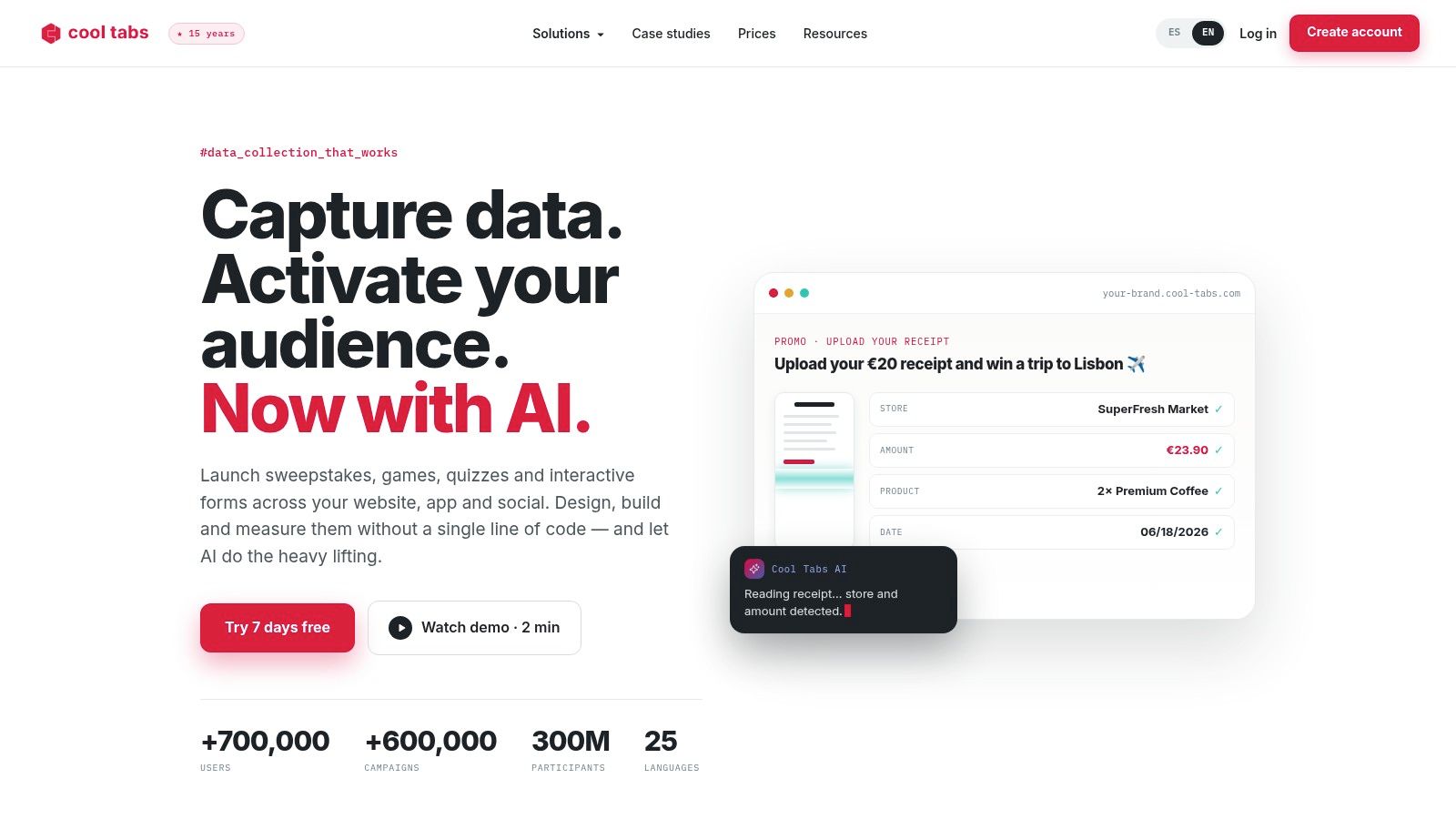
Post-level rankings matter for contest and user-generated content campaigns. A summary count won't tell a brand manager which customer photo to feature, permission-check, and repost. A ranked list will. Cool Tabs also includes social listening and campaign tools beyond hashtag monitoring, which helps if the same team runs promotions.
The constraint is sharp. Collection only covers posts published after monitoring starts, so timing decides your coverage. Create monitoring before you announce the campaign, and verify it's collecting with a test post from a public account. Creating it after a launch weekend won't recover that weekend.
Set up campaign monitoring before the announcement post goes live, then test it with a public account you control.
Check reporting depth against your ongoing needs before committing. For short, defined campaigns with clear post-ranking needs, its scope is honest and workable. Teams that need continuous coverage over months should weigh that against the setup discipline this forward-looking model demands.
8. Flick
Flick is built for creators and social media managers who want hashtag research tied to their own performance. It combines Instagram analytics with tracking for hashtags used in tracked account posts and Reels on supported plans. The question it answers is "which tags work on my content," not "who else used this tag."
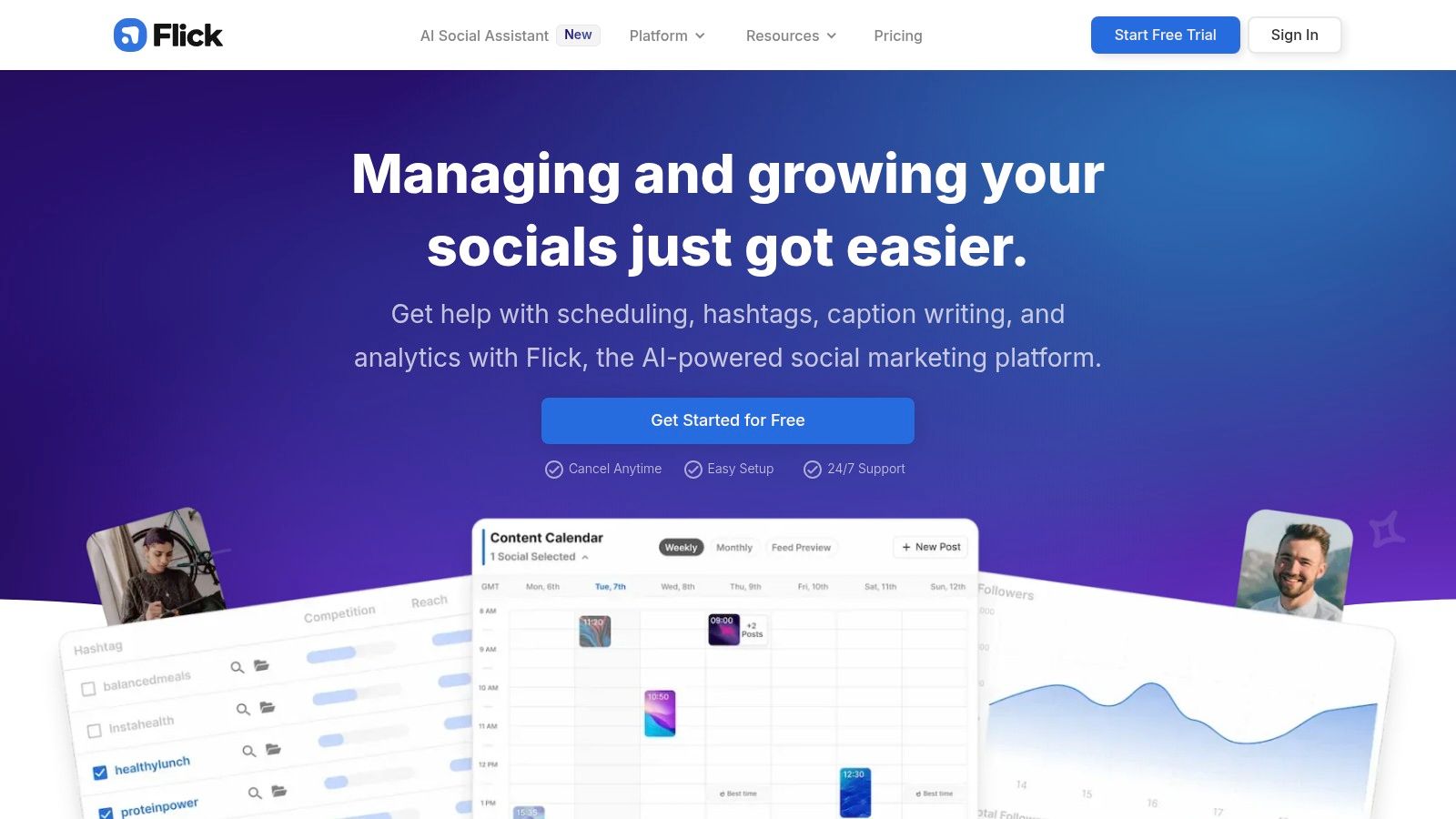
- Ranking frequency: How often tracked posts rank for the tags they used.
- Hashtag efficiency indicators: Signals for comparing tags against each other in your own results.
- Wider analytics: Post and account context, so a tag isn't judged without the content carrying it.
That context stops a common error. A tag on your best Reel looks brilliant even if the hook, audio, and posting time did the work. Compare tags across many similar posts before changing your whole caption template.
Analytics require a suitable paid plan. Flick doesn't provide a general feed of every public Instagram post using a hashtag, so it won't collect a brand's community campaign posts. Some metrics are estimates or platform-specific indicators, not guaranteed measures of incremental reach. For a creator already using Flick's analytics, that trade is sensible and focused.
9. Profile Query Instagram API
No dashboard opens here. Your application sends a request and gets structured JSON back. Profile Query provides programmatic access to public Instagram data, including top hashtag posts and recent hashtag posts, for teams building custom monitoring, analytics, or AI workflows.
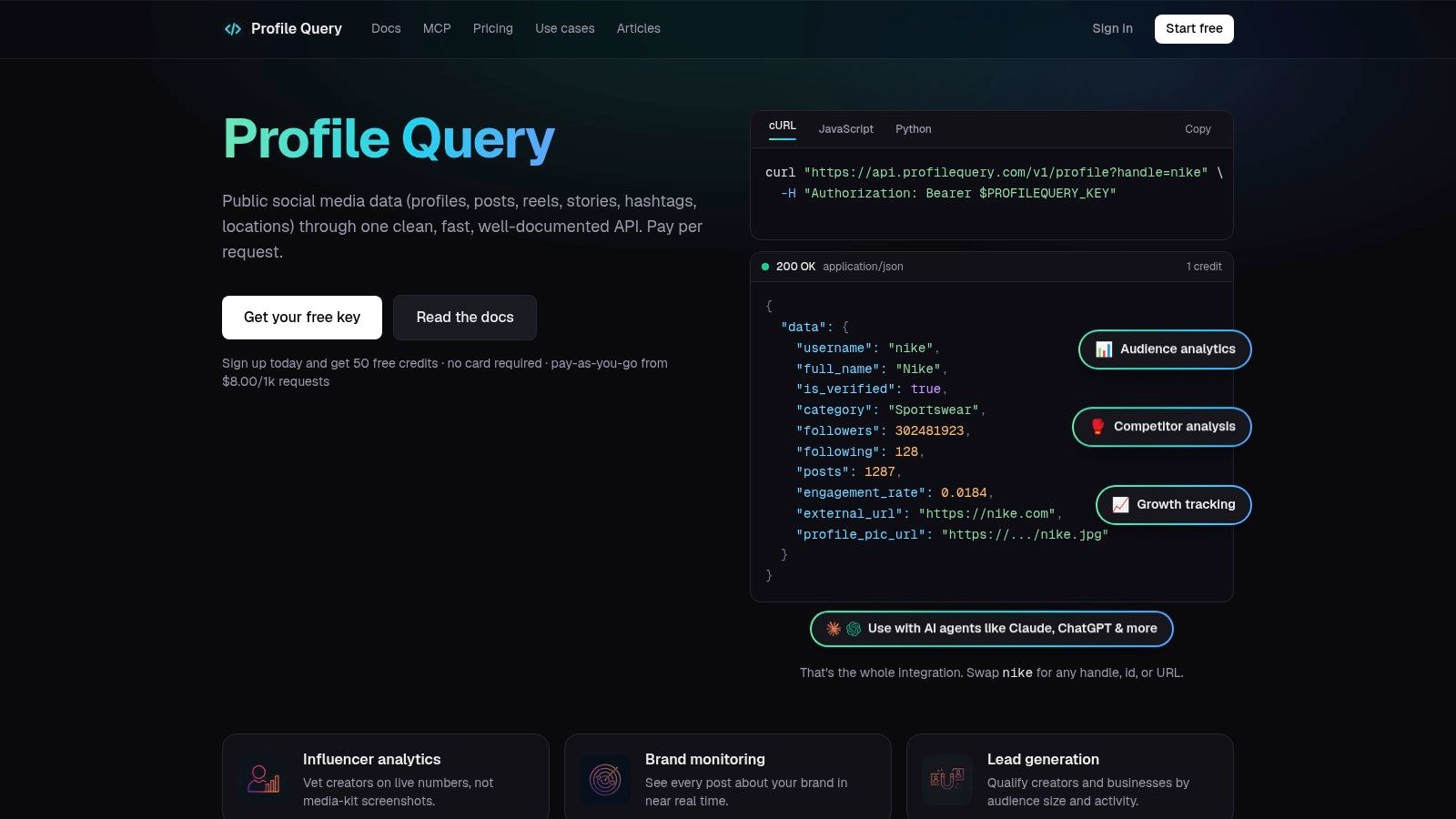
The Top hashtag posts endpoint takes a hashtag without the "#" symbol and costs 1 credit per request. Each post returns fields including shortcode, caption, taken_at timestamp, like and comment counts, media URLs, location, and author details. An optional cursor handles pagination. Our Analyze hashtag endpoint adds competitiveness and velocity for a hashtag, which helps you decide whether a tag is crowded before you commit budget to it.
That API-first model matches where spending is moving. The hashtag-tracking-tool market was estimated at $2.8 billion globally in 2025 and is projected to reach $7.4 billion by 2034, according to the DataIntelo hashtag tracking tool market report. Treat that projection as directional, not a census.
You'll need development work. There's no ready-made campaign dashboard, and coverage depends on public content and upstream access. We don't guarantee complete or exhaustive Instagram coverage. For an application or agent consuming the data, I consider that trade the right one.
10. Apify Instagram Hashtag Analytics
Apify's Instagram Hashtag Analytics is an Actor, not a marketing dashboard. Give it one or more hashtags and it returns a report row per hashtag. You can run it through Apify's platform or API, with JavaScript or Python clients, and schedule repeat runs.
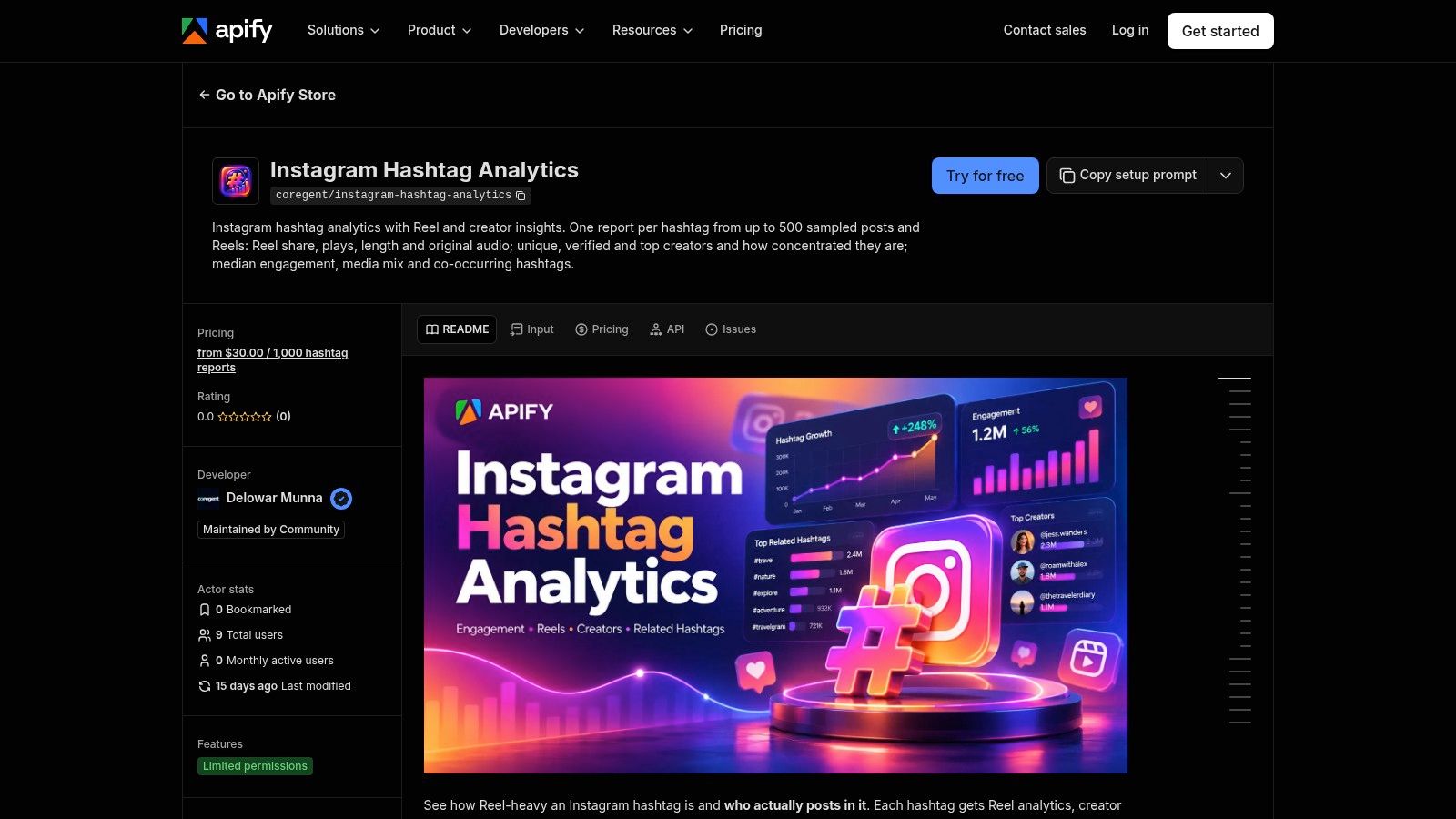
Integrations listed include Make, Zapier, n8n, and Apify's MCP server. That makes it practical for a weekly competitor-tag report that lands in a spreadsheet without anyone opening a tool. Teams comparing pipeline options often also review a dedicated Instagram hashtag API to see which response format fits their stack.
Normalization is where scripted workflows earn their keep. Research on hashtag segmentation reported 91.4% precision at the top prediction for correctly splitting hashtag text, compared with 80.2% for a conventional word-breaker baseline, according to the arXiv hashtag segmentation study. Concatenated tags fragment reporting unless your pipeline groups variants deliberately.
Validate output before trusting it in client reports. As a third-party Actor, coverage and quality depend on the maintainer and your Apify plan. Nontechnical users who want a polished listening dashboard, or who publish through an Instagram content planning tool, will find a hosted platform easier.
How the 10 hashtag tracking tools differ in data scope, best use, and Instagram constraints
| Item | Primary Data Scope | Best For | Instagram Constraint Noted |
|---|---|---|---|
| Keyhole | Public hashtags, keywords, campaigns, and account analytics | Campaign monitoring, analysis, and reporting | Reach and impressions may require authentication; up to 30 hashtags per authenticated account in a rolling seven-day period |
| Brand24 | Hashtag mentions across social platforms and online sources | Cross-channel listening, sentiment analysis, and reputation monitoring | Coverage depends on data made accessible by Instagram |
| Sprout Social | Hashtags and campaign conversations across supported networks | Teams combining listening, publishing, customer care, and reporting | Requires a connected Business Profile; up to 30 unique hashtags per profile per rolling seven-day period, with no historical message collection |
| Later | Hashtag performance in an account's own Instagram posts | Comparing tags and refining content strategy | Requires a Business or Creator profile; does not monitor every public post using a hashtag |
| Metricool Hashtag Tracker | Selected Instagram and X hashtags over a defined period | Measuring campaign hashtags and identifying related tags | Tracking starts when the session begins; no historical data, Stories, or minute-by-minute updates |
| Mentionlytics | Keywords and hashtags across supported sources | Cross-platform campaign monitoring and reporting | Instagram monitoring is hashtag-based, not general caption-keyword monitoring |
| Cool Tabs | Selected Instagram hashtags and campaign publications | Campaign reporting with post-level engagement results | Collection is limited to content from the last 24 hours after monitoring starts |
| Flick | Hashtags used in tracked Instagram account posts and Reels | Creators evaluating hashtag performance in their own content | No general feed of every public post using a hashtag |
| Profile Query Instagram API | Public Instagram data, including hashtag search results, returned as structured JSON | Custom integrations, analytics workflows, and automation | Coverage depends on public content and upstream access; results are not guaranteed to be exhaustive |
| Apify Instagram Hashtag Analytics | Per-hashtag reports from one or more submitted hashtags | Repeatable reports, scripts, and data-pipeline automation | Validate third-party Actor coverage and output quality for the intended use |
Matching the Tool to the Question You Need Answered
Choose by the question first, then by scope. "Did our campaign tag travel, and how did people talk about it" is a listening question. Keyhole, Brand24, Sprout Social, and Mentionlytics compete there, with reach estimates, sentiment, and cross-channel reporting. "Which tags perform on my posts" is an own-account question, and Later or Flick answers it without paying for web-wide monitoring you'll never open.
Defined campaigns sit in between. Metricool and Cool Tabs measure a chosen tag over a set window and rank the posts inside it. That works for events, launches, and contests, provided you start collection before the campaign does. Historical gaps are the recurring failure in this category, and they're usually self-inflicted.
Structured data is a different purchase entirely. If an application, internal dashboard, or AI agent consumes the results, you need records with author, timestamp, engagement, location, and media fields that you can store, dedupe, and re-query. API and Actor options fit that work. A polished PDF export doesn't, no matter how good it looks in a demo.
Hold every vendor to measurement honesty. An analysis of more than 24 million posts reported that hashtagged posts received 32% fewer views on average, but explicitly cautioned that this was correlation, not causation, according to the SocialMon analysis of Instagram hashtag performance. Content containing a hashtag is not the same thing as reach generated by that hashtag. Account size, format, posting frequency, paid distribution, and audience geography all sit between a tag and its results.
Coverage check: Ask what proportion of relevant content the tool can actually see, what is missing, and why, before you ask about price.
Test before you commit. Run each shortlisted tool on one live hashtag for a fixed period. Compare unique posts found, duplicate rates, how many results carry full metadata, and whether spelling and language variants of your tag appear. Confirm plan requirements, authenticated-account needs, and the historical window in writing.
Then report with the limits attached. State the collection start date, the sources covered, and known exclusions like private accounts and Stories. A hashtag tracking tool that forces that honesty will serve you better than one selling a single clean number. Sometimes the correct recommendation is fewer hashtags and more attention to saves, shares, comments, and watch time. Buy the tool that can tell you that.
If your team needs hashtag results as structured records rather than dashboard screenshots, our API returns top and recent hashtag posts with captions, engagement counts, timestamps, and author details in JSON you can pipe into your own analytics or AI workflow. You can start with free credits, pay per request with prepaid credits, and skip Instagram OAuth and app review entirely. Try it on your next campaign tag at Instagram API.
Pull Instagram data with one API call
Profiles, posts, reels, followers and more. 50 free credits, no credit card.
Get your free key