
10 AI Agent Tools Worth Knowing in 2026
A practical guide to 10 AI agent tools, from orchestration frameworks and MCP integrations to data APIs that equip agents with real-world capabilities.
The most popular advice about AI agent tools is also the least useful: pick the best platform, connect a model, and let it work. Production agents aren't one product. They combine a data-access layer for retrieval, a connectivity layer for application actions, and an orchestration layer that controls execution, state, and approvals.
That distinction matters because experimentation isn't operational maturity. In McKinsey's 2025 global survey, 23% of respondents said their organizations were scaling an AI-agent system in at least one business function, while 39% had begun experimenting. A convincing demo doesn't tell you whether an agent can recover from a failed API call without duplicating work or spending its entire budget.
Choose tools by the responsibility they own, not by how autonomous their demo looks.
The tools below occupy different layers, so treating them as interchangeable would be misleading. Composio connects applications; LangGraph controls execution; a specialized data API supplies information neither can manufacture. For a separate look at visual builders, these low-code agent platforms compared provide useful context.
A working stack also needs equipping. MCP-compatible social-data integrations let agents retrieve real-world information instead of reasoning from stale context, but connectivity alone doesn't establish reliability. The practical choice is a stack whose permissions, data coverage, error handling, and costs match the workflow you're shipping.
Table of Contents
- 1. Instagram API
- 2. Composio
- 3. Pipedream
- 4. n8n
- 5. Zapier Agents and Zapier MCP
- 6. Make AI Agents
- 7. LangChain, LangGraph, and LangSmith
- 8. CrewAI
- 9. Dify
- 10. Microsoft Copilot Studio
- AI Agent Tools Compared by Layer, Pricing Model, and Best Fit
- Assembling Your Stack Without Duplicating Responsibilities
1. Instagram API
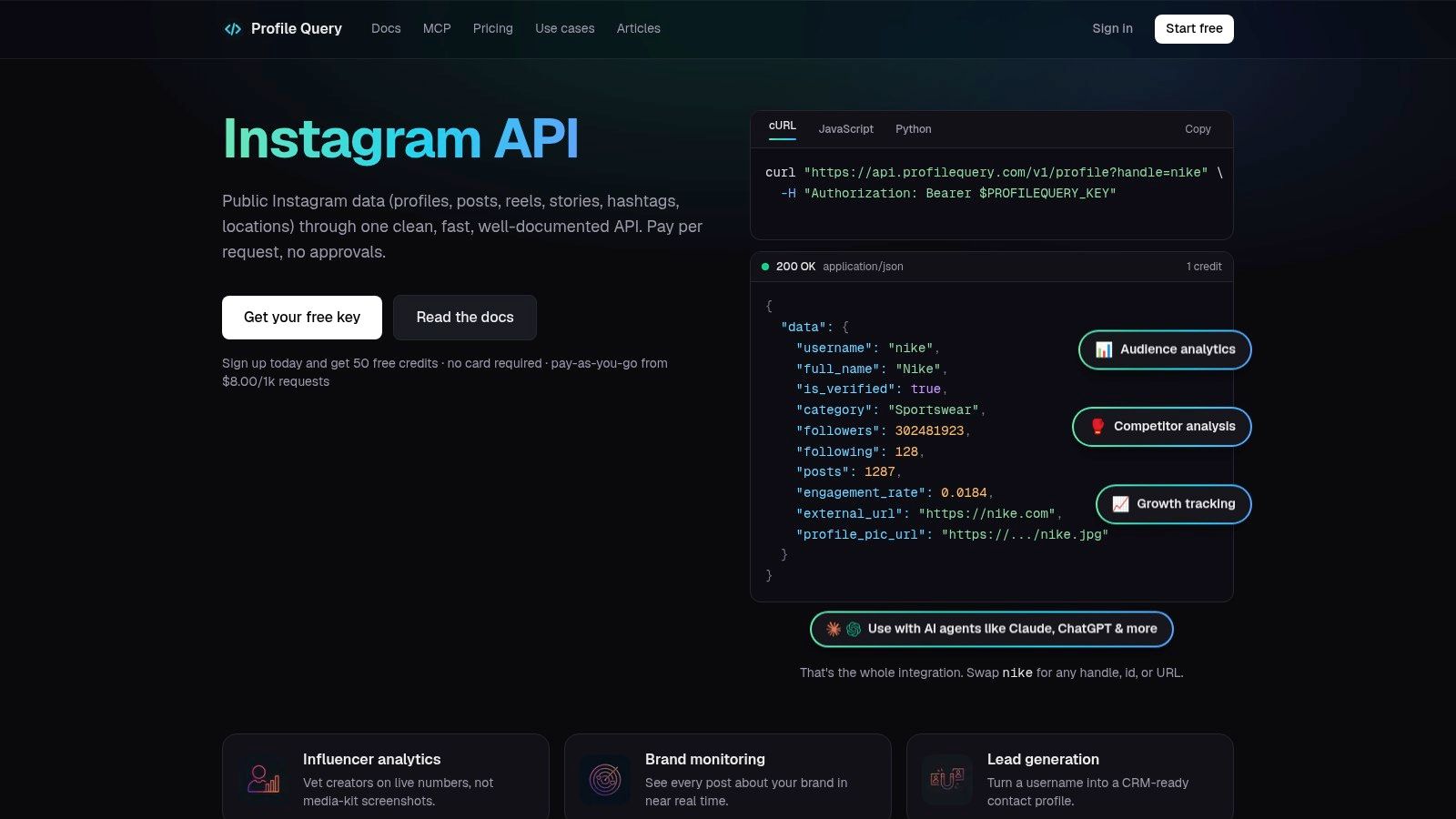
Layer: Public-data access. Instagram API by Profile Query supplies structured Instagram data for agents performing creator research, brand monitoring, account due diligence, or prospect enrichment. It isn't an orchestration framework, and it doesn't replace the system deciding what an agent may do.
Our REST interface retrieves public profiles, posts, Reels, Stories, comments, followers, hashtags, locations, and search results. Insight endpoints add engagement analysis, follower-quality audits, account-history information, niche classification, and lead-fit scoring, so developers don't need to assemble every assessment from raw content.
Where It Fits in a Production Workflow
Say a marketing team wants a creator brief. Retrieve the profile, gather relevant content, request the appropriate insights, and have the agent summarize the returned evidence with missing fields clearly identified.
- Integration options. Our endpoints are exposed as MCP tools, alongside REST documentation, code examples, and an OpenAPI specification.
- Access model. Authentication uses an API key without Instagram OAuth, app approval, or business verification.
- Operational visibility. Predictable JSON, typed errors, request identifiers, credit accounting, and processing-time metadata help developers inspect tool execution.
The trade-off is upstream dependence. Only public information is available, and retrieval depends on the upstream provider and what Instagram makes accessible. Treat follower audits and lead-fit scores as analytical inputs, not conclusive proof about a person or business.
I recommend separating retrieval from interpretation: validate the response first, then let the agent write its brief. Preserve source identifiers and distinguish absent information from retrieval failures, rather than turning either into an invented answer.
Our guide to Instagram API options helps clarify which access model suits the intended workflow. Choose the data boundary before designing the agent around it.
2. Composio
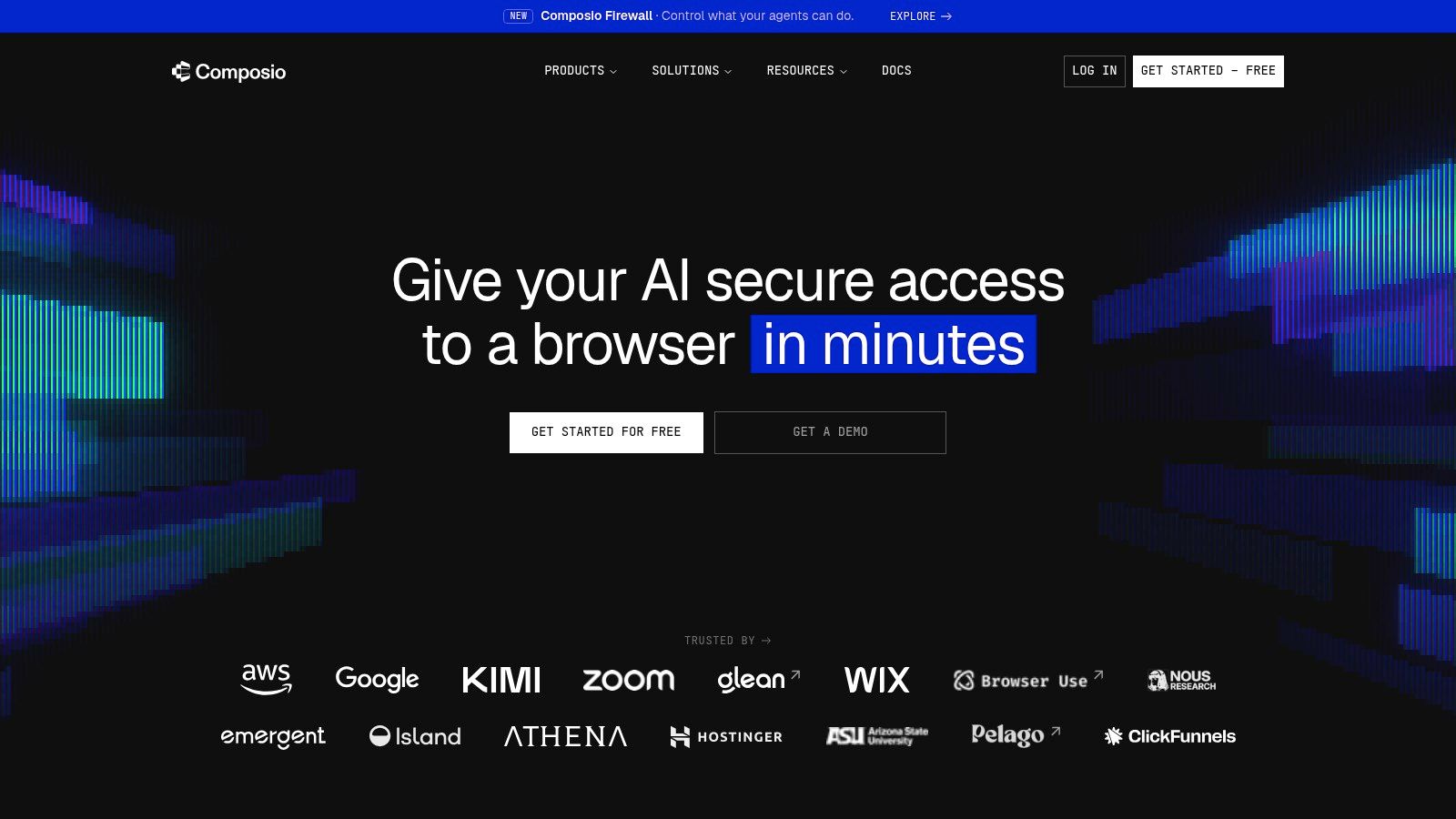
Layer: Tool connectivity. Composio belongs between your agent runtime and the applications it needs to use. Its SDK, application toolkits, managed authentication, and MCP support address integration work rather than the entire agent lifecycle.
Consider a creator-research agent that retrieves public profile information, saves an approved brief to a CRM, and notifies a marketing channel. Composio can handle the connected-application side while your orchestrator controls sequencing and approval.
The attraction is less authentication plumbing. The limitation is that managed authentication doesn't decide whether a particular user should be allowed to trigger a particular action.
Implementation rule: Resolve the connected account from authenticated application state, never from a username or account identifier suggested by the model.
Keep tenant identity outside model control. Expose a narrow set of actions, validate their arguments server-side, and avoid loading every available integration into the agent's tool context.
Composio won't remove an external application's permission requirements, access restrictions, or API limits. You'll still need a recovery path for expired authorization, revoked access, and rejected writes.
Best fit: developers connecting an existing agent to multiple business applications. Less suitable: teams expecting a finished business agent with workflow policy and evaluation already solved.
Use agent platform spec sheets for developers to compare connectivity requirements, but make the final decision with an authenticated end-to-end test. A connector's presence isn't enough if its available actions don't cover the operation you need.
3. Pipedream
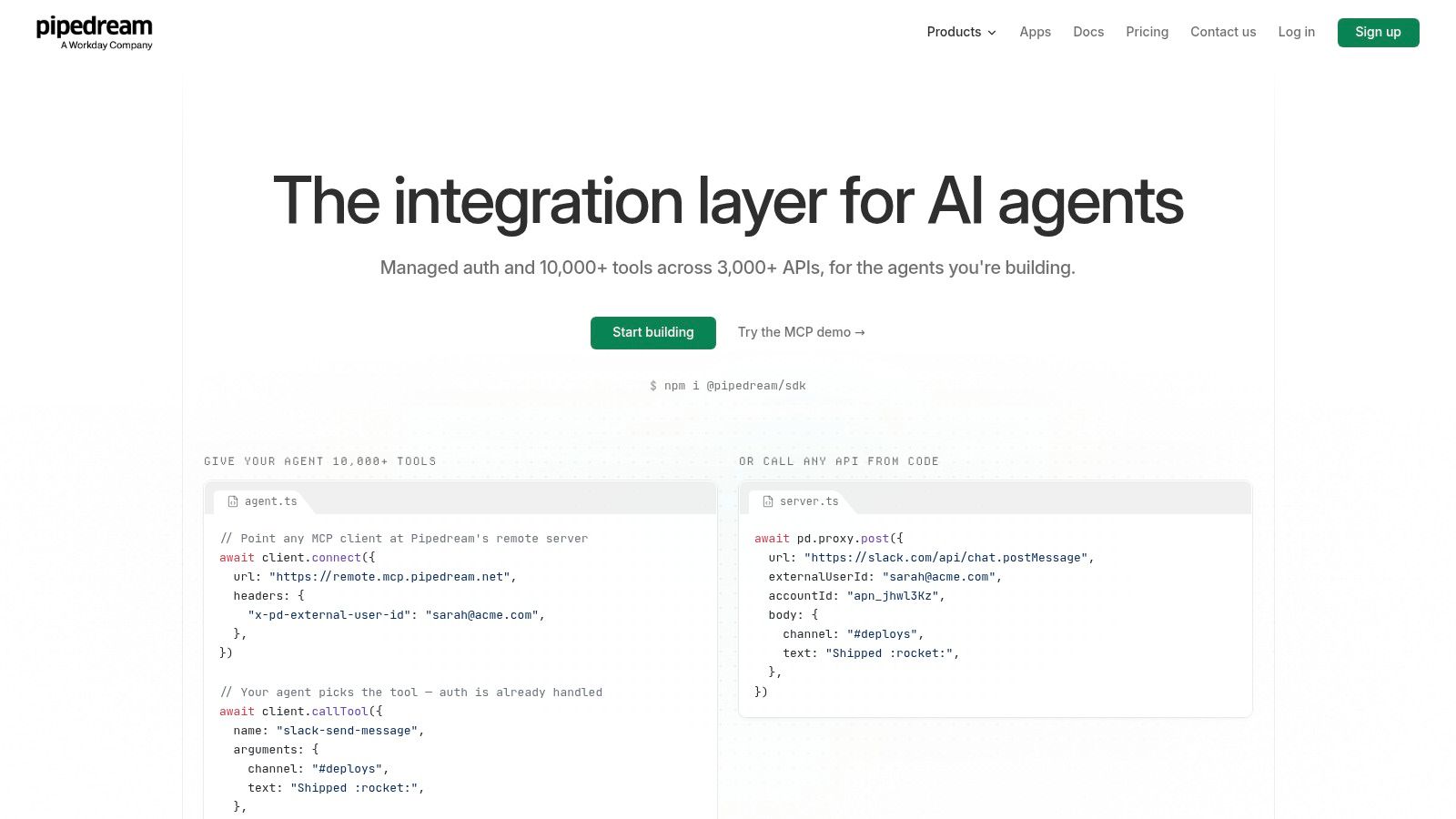
A callable workflow is often safer than giving an agent unrestricted application access. Pipedream lets developers package API requests, custom code, and integration steps into hosted operations that agents can invoke.
Layer: Connectivity and managed execution. Choose it when you want to write integration logic without operating every piece of the execution infrastructure yourself. Its MCP tooling and Connect proxy provide ways to expose integrations to agent clients.
For example, define an enrichment operation that validates a handle, calls a data service, normalizes the response, and returns only the fields your CRM accepts. The agent chooses when to request enrichment; the workflow controls how enrichment happens.
Package Business Operations, Not Raw Requests
A useful tool contract describes an outcome and constrains its inputs. An arbitrary request tool that accepts unrestricted URLs, headers, and bodies gives the model more authority than most enrichment tasks require.
- Keep secrets server-side. Don't pass credentials through model-visible arguments.
- Normalize failures. Return distinguishable validation, authorization, upstream, and processing errors.
- Protect writes. Use deduplication or idempotency controls before enabling retries.
If your team needs the underlying request model clarified, this REST API explanation provides the foundation for designing callable operations.
The main trade-off is execution economics. Credit-based production usage requires testing representative workloads, including slow upstream calls and retries. Measure the cost of a completed business operation rather than assuming a successful development request represents production behavior.
Pipedream is developer infrastructure, not a substitute for agent policy. Keep approval decisions and permitted destinations explicit.
4. n8n
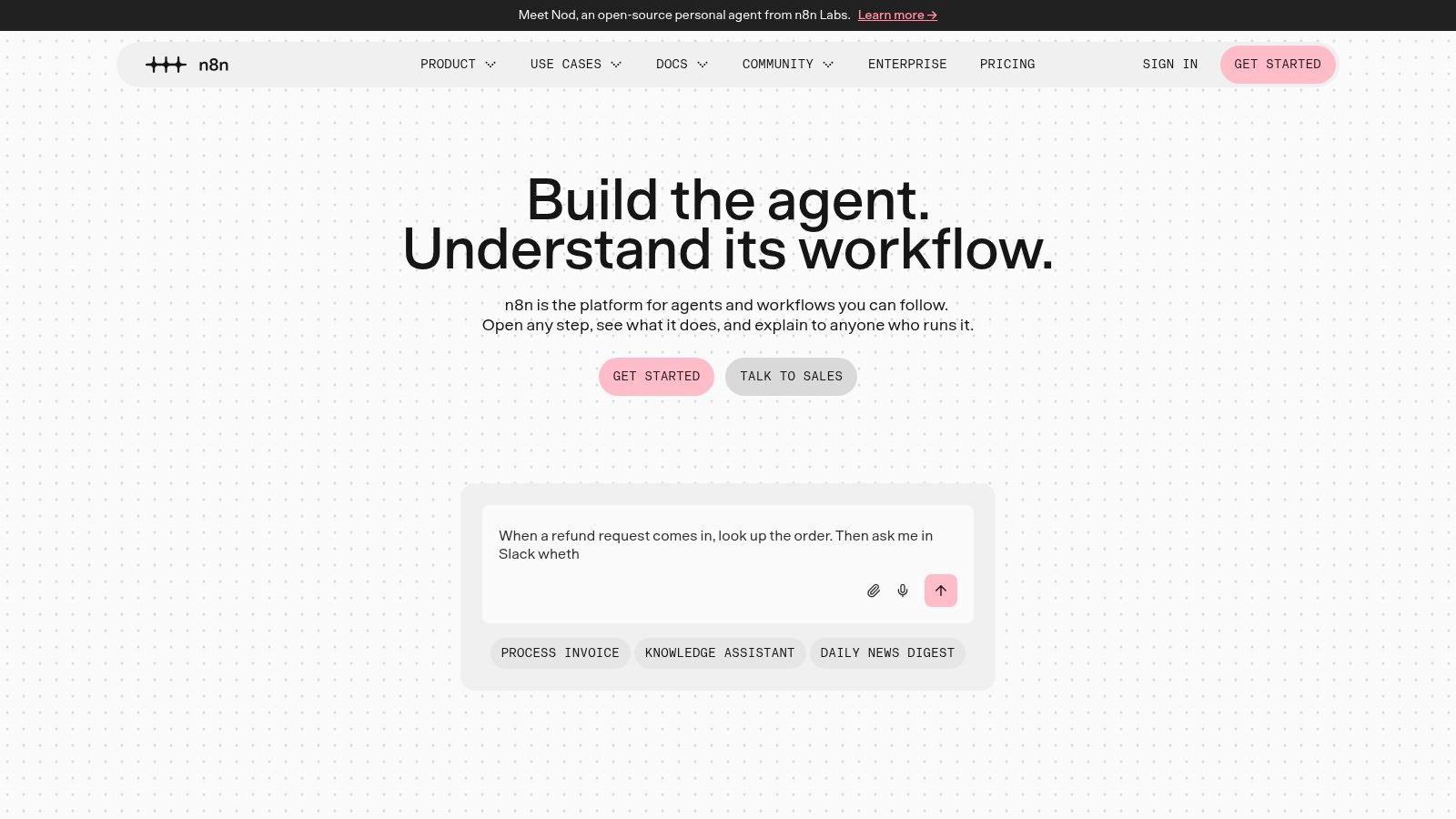
Layer: Visual orchestration. n8n works well when agent reasoning belongs inside a larger, inspectable process. You can combine its AI Agent node with webhooks, API requests, conditional branches, and code steps rather than asking a model to manage the entire workflow.
For creator qualification, keep profile retrieval, field validation, and CRM mapping deterministic. Use the model for tasks that need interpretation, such as classifying a creator's content against a written campaign brief.
That division makes failures easier to locate. A schema mismatch should stop at validation instead of becoming a vague agent response that someone must investigate manually.
Visual Control Still Needs Engineering
- Strong fit. Workflows mixing fixed business rules with bounded agent decisions.
- Useful flexibility. Custom API calls alongside supported application integrations.
- Operational choice. Cloud hosting or self-hosting, depending on infrastructure requirements.
Self-hosting gives your team infrastructure control, but it also gives your team responsibility for patching, credentials, backups, worker capacity, and recovery. It isn't automatically the simpler deployment.
Complex workflows also become difficult to maintain when teams copy logic across branches. Extract reusable operations, document the expected input and output at each boundary, and keep environment-specific credentials separate.
I recommend n8n when non-developers need to inspect the process but developers still own its reliability. Avoid putting every decision inside an agent node merely because the node is available. Fixed validation and routing rules are easier to test when they remain ordinary workflow steps.
5. Zapier Agents and Zapier MCP
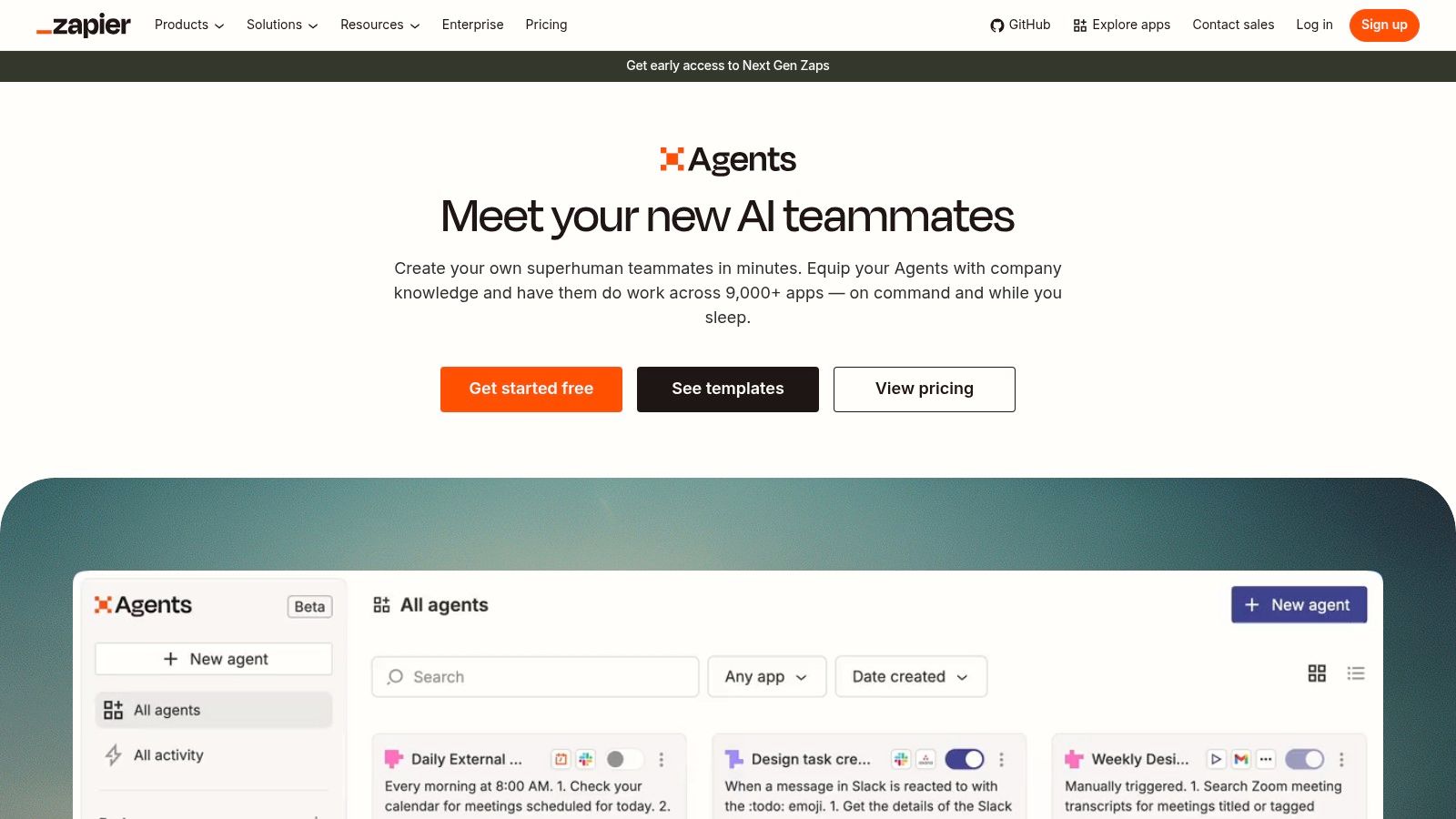
Start with a distinction: Zapier Agents builds agents, while Zapier MCP exposes application actions to compatible external AI tools. Zapier Agents is particularly relevant when a team already runs its business automations through Zapier.
Layer: Low-code orchestration and connectivity. A marketing operations team can use connected applications without building a custom integration service for every handoff. External agent runtimes can instead use the MCP route when they need Zapier-managed actions but already have their own execution logic.
Don't choose both paths automatically. Decide which system owns workflow state, approvals, and failure recovery, then keep the other system's responsibility narrow.
A connected action is a capability, not permission to use it whenever the model considers it helpful.
For teams unfamiliar with that boundary, this explanation of what an MCP server does helps separate tool exposure from agent control.
The practical advantage is accessible setup. The trade-off is less control over highly specialized runtime behavior than a code-first framework offers.
Before deploying, test the exact application actions your workflow needs, including custom fields, account permissions, and failure responses. An application appearing in the integration catalog doesn't prove that every operation is available under your account configuration.
Usage-based activity also deserves attention. Keep unnecessary polling, repeated lookups, and speculative agent calls out of the workflow, and require approval before sending external communications or changing important records.
6. Make AI Agents
A brand-monitoring workflow rarely ends with a summary. Someone must route an issue, create a task, attach evidence, and decide whether a response needs approval.
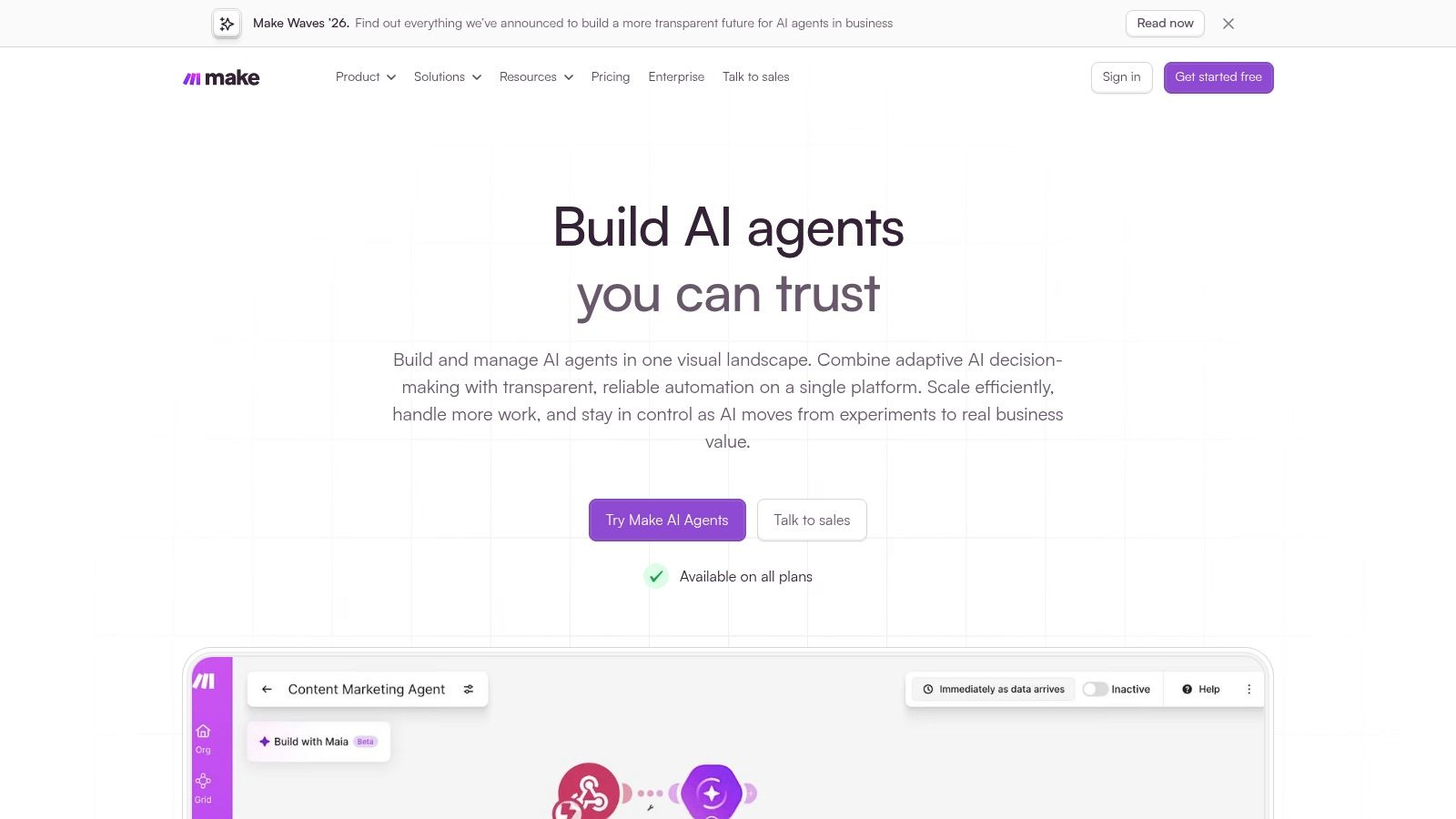
Make AI Agents suits that broader process. Its layer is visual orchestration, with application integrations, routing, branching, and agent decisions placed within a visible automation canvas.
The useful pattern is to let the agent interpret content while fixed workflow logic handles destinations and permissions. A model can classify a comment as a product complaint; a deterministic branch should select the approved support queue.
Keep Routing Outside Untrusted Content
Social content can contain instructions aimed at the agent rather than information relevant to the user. DigitalOcean's MCP security guidance describes prompt-injection and tool-poisoning risks that make this distinction important.
Treat captions, comments, and bios as untrusted data. They shouldn't be able to change the workflow's tool permissions, choose arbitrary outbound destinations, or request access to secrets.
- Use Make for visible cross-application routing and human handoffs.
- Keep deterministic destination selection, required fields, and approval gates.
- Watch for sprawling scenarios whose branches repeat the same transformation logic.
The limitation isn't just visual complexity. Once business rules are scattered across nested branches, a seemingly small change can require careful regression testing.
Make is a practical alternative to writing integration orchestration entirely in code. It isn't the first choice when you need a specialized agent runtime with tightly controlled state transitions and custom recovery semantics.
7. LangChain, LangGraph, and LangSmith
Layer: Code-first orchestration and observability. The LangChain ecosystem separates agent-building components, stateful execution through LangGraph, and tracing and evaluation through LangSmith. Those responsibilities are related, but you don't need to adopt every component indiscriminately.
Choose this route when your application needs explicit state transitions, resumable work, custom tool contracts, or detailed inspection of why an agent chose a particular action. The cost is engineering effort: you own more of the application's behavior and operational design.
Evaluate the Workflow, Not the Demo
In a Gartner survey of marketing-technology leaders with AI-agent initiatives, 45% said existing vendor-offered agent capabilities failed to meet expected business performance. For developers, the useful response is an evaluation harness, not a more elaborate prompt.
Define fixed tasks such as profile enrichment, creator assessment, and lead qualification. Check whether the agent chooses the correct tool, validates its result, handles missing information, and produces an answer supported by returned fields.
Track cost per successful workflow, tool-call failures, latency, retry behavior, and human escalation. Preserve traces that connect the final answer to the underlying requests.
The trade-off: flexibility makes it possible to implement good recovery logic, but doesn't implement it for you. Bound retries, persist state intentionally, and distinguish retryable retrieval from writes that could duplicate business actions.
I recommend this stack when control and inspectability justify maintaining a code-first agent application.
8. CrewAI
Multiple agents are an architectural choice, not an automatic upgrade. CrewAI provides a framework and platform for organizing agents around roles, tasks, and coordinated workflows.
Layer: Multi-agent orchestration. It fits work that benefits from separation, such as retrieving creator evidence, assessing campaign fit, and reviewing whether the final recommendation follows a policy.
The danger is dividing a straightforward task into conversational roles without defining stronger contracts. Passing prose between specialist agents can lose identifiers, erase uncertainty, and make an unsupported assumption appear independently verified.
Make Handoffs Typed
Give each specialist a structured output that includes evidence identifiers, missing fields, and the status of its task. A reviewer should inspect the underlying evidence, not merely approve another agent's confident summary.
- Separate permissions. A retrieval agent shouldn't inherit communication or CRM-write capabilities.
- Define stop conditions. Specify what happens when evidence is missing or agents disagree.
- Compare simpler designs. Test the same task with a bounded agent and deterministic workflow.
CrewAI's hosted, private-cloud, and self-managed deployment options can matter when infrastructure requirements influence the choice. Confirm the intended deployment arrangement before designing around platform-specific operations.
The main limitation is coordination overhead. More agents mean more handoffs to trace, more intermediate outputs to validate, and more opportunities for repeated work.
I recommend multi-agent designs when specialists have meaningfully different tools or evaluation rules. If the distinction is only a different role description, a simpler orchestration pattern is usually easier to maintain.
9. Dify
Dify is useful when the deliverable is an AI application, not just a background automation. It combines visual workflows, agent-building capabilities, model connections, knowledge bases, and deployment options.
Layer: Integrated AI application platform. A team building a creator-research assistant can keep its campaign guidance in a knowledge base while retrieving current account information through external tools.
Keep those sources distinct. A campaign document describes the brand's requirements; a live profile response describes the account at retrieval time. The agent shouldn't substitute stored documents for current account evidence.
Grounding rule: Label retrieved material by source and retrieval context before asking the model to combine it.
Dify's integrated approach can reduce the number of separate components a team assembles. Its self-hosted Community edition also offers infrastructure control for teams prepared to operate it.
That convenience doesn't eliminate deployment responsibilities. Cloud allowances, application usage, knowledge-base capacity, and model consumption all need consideration; self-hosting adds maintenance rather than removing costs.
Test Retrieval and Actions Separately
Evaluate whether the knowledge base returns the right policy passages before testing the full agent. Then test external tool calls independently, including malformed inputs, unavailable data, and permission failures.
Best fit: teams wanting a shared environment for building and deploying AI applications. Less suitable: applications whose specialized runtime requirements would force substantial work around the platform's abstractions.
Keep the tool interface narrow and versioned so application changes don't alter the permissions or behavior of an existing workflow.
10. Microsoft Copilot Studio
Layer: Enterprise agent platform. Microsoft Copilot Studio is most compelling for organizations already invested in Microsoft 365, Azure, and Power Platform. Its agent-building capabilities and connector ecosystem can fit established business systems and administration practices.
The deciding question isn't whether it can generate an answer. It's whether the agent can operate under the organization's identity, data-access, publishing, and approval requirements without creating an unmanaged parallel system.
For a sales team, that might mean retrieving approved account information, drafting a prospect brief, and routing a proposed CRM update for review. Keep the distinction between reading information, drafting content, and committing changes explicit.
Start With the Permission Model
- Caller identity. Establish whose authority each connected action uses.
- Data boundaries. Separate public enrichment from internal customer information.
- Approval gates. Require review for consequential external actions.
- Auditability. Ensure administrators can reconstruct the tool calls behind an outcome.
Power Platform connectors and custom integrations provide connectivity, but the application still needs carefully scoped permissions. Don't assume a business user should be able to invoke every action available to an underlying connection.
The trade-offs are ecosystem dependence and usage accounting. An Azure subscription is required for Copilot Studio agents, and usage-credit billing requires workload-specific estimation.
I recommend it when enterprise integration requirements drive the architecture. If the application lives outside that ecosystem and needs highly customized runtime control, compare the operational benefits against a code-first framework before committing.
AI Agent Tools Compared by Layer, Pricing Model, and Best Fit
| Tool | Stack Layer | Pricing Model | Deployment Options | Best For |
|---|---|---|---|---|
| Instagram API | Social data API | Prepaid credits; free starter credits, no subscription | Hosted REST API | Retrieving and analyzing public Instagram data |
| Composio | Agent integration layer | Free Hobby plan; paid pricing varies | Managed platform, SDK, and MCP | Connecting agents to many third-party apps |
| Pipedream | Workflow and API integration platform | Free development tier; production usage metered by credits | Hosted workflows and integrations | Building API-first agent integrations |
| n8n | Workflow automation and agent platform | Hosted plans meter executions; self-hosting available | Cloud-hosted or self-hosted | Visual, API-connected automations with infrastructure control |
| Zapier Agents and Zapier MCP | Agent and app integration platform | Free and paid tiers; task-based pricing | Managed platform | Connecting agents to mainstream business apps |
| Make AI Agents | Visual automation and agent platform | Plan-based; costs vary with usage | Visual automation platform | Inspectable, multi-app agent workflows |
| LangChain, LangGraph, and LangSmith | Agent development and operations stack | Usage and hosted deployment costs may apply | Hosted deployment and other deployment options | Building, tracing, and evaluating custom agents |
| CrewAI | Multi-agent framework and platform | Pricing and terms depend on deployment | Cloud, private cloud, or self-managed | Coordinating specialist agents |
| Dify | AI application and agent platform | Cloud plans; model costs may be separate | Cloud service or self-hosted Community edition | Building and deploying AI applications |
| Microsoft Copilot Studio | Enterprise agent-building platform | Usage-based or prepaid credits | Microsoft environment and external channels | Organizations using Microsoft 365, Azure, and Power Platform |
Assembling Your Stack Without Duplicating Responsibilities
Choose one owner for orchestration: a code-first framework, a visual workflow platform, or an enterprise suite. Add data sources and application actions around it. When multiple tools each own retries, state, and approvals, debugging gets harder and responsibilities blur.
For a creator-research application, LangGraph could manage execution, Instagram API could provide public account data, and Composio could handle approved CRM actions. A marketing operations team could instead use n8n or Make to run the process, with the same data retrieval available through an API.
Equip the Agent Before Expanding Its Autonomy
An agent's usefulness depends on the data it can retrieve. Without suitable tools, it cannot reliably assess current creator activity or account credibility, regardless of how capable its reasoning layer is.
Instagram API provides structured public Instagram data through REST and an MCP server. Its MCP tools let compatible assistants and frameworks retrieve information conversationally. The OpenAPI specification offers another integration path, with support for Swagger, Postman, LangChain, and ChatGPT Actions.
Pay-as-you-go pricing starts at $8 per 1,000 requests after free credits. Account for deeper analysis, repeated retrieval, and retries in workflow costs. A generated brief may involve multiple requests, not just one.
Developers commonly raise concerns about accuracy and data security when deploying AI agents. Put checks in the workflow before giving an agent permission to act:
- Validate retrieval. Test unavailable accounts, empty results, malformed inputs, and upstream failures.
- Constrain actions. Allowlist destinations and require approval before consequential writes or communications.
- Measure completion. Record successful outcomes, costs, retries, latency, and escalations.
- Preserve evidence. Keep request identifiers and source references with generated assessments.
Typed JSON makes responses easier for tools to handle, but it does not verify that the underlying information is complete or suitable for a particular decision. Treat analytical scores as inputs to a decision, not as the decision itself.
Before writing orchestration code, map the data sources and application actions the workflow requires. Confirm that each tool exposes the needed operations through MCP or an API, then run an authenticated retrieval and an approved action end to end. Build around tool contracts that work in practice, not capabilities you hope an integration will provide.
Instagram API gives agents access to structured profiles, content, engagement insights, and account-research tools through REST and MCP. Visit Instagram API to test profile retrieval, inspect JSON and error responses, and connect the tools your agent needs before expanding its autonomy.
Pull Instagram data with one API call
Profiles, posts, reels, followers and more. 50 free credits, no credit card.
Get your free key